
What Metrolist and ArchiveTune have in common
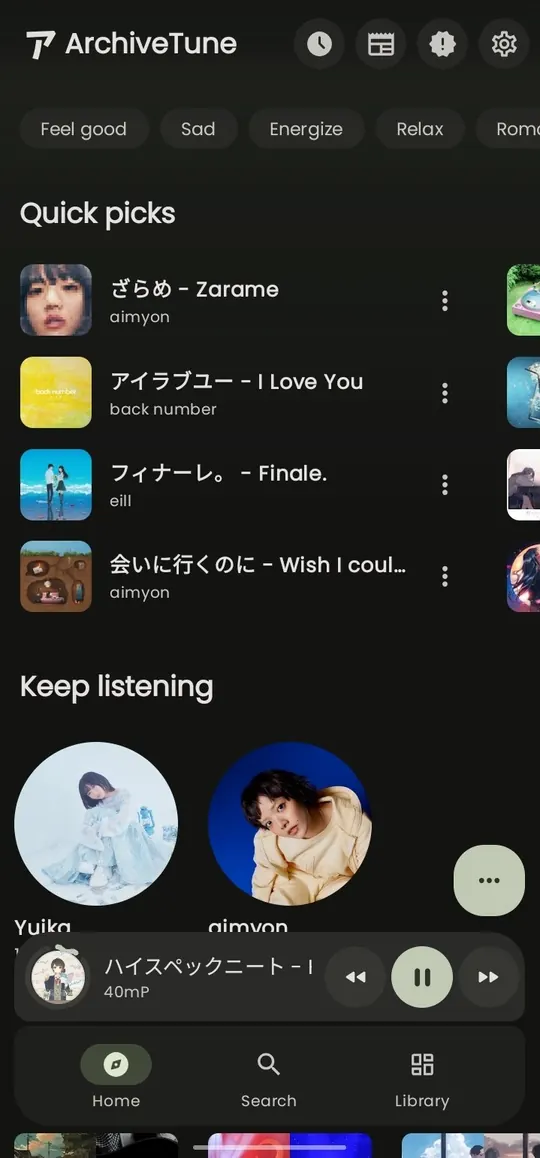
In this Metrolist vs ArchiveTune comparison, both apps are independent Android music clients rather than official Google or YouTube products. They are distributed through project-controlled release channels, use modern Android interfaces and are designed for listeners who want more control than a single default streaming app provides.
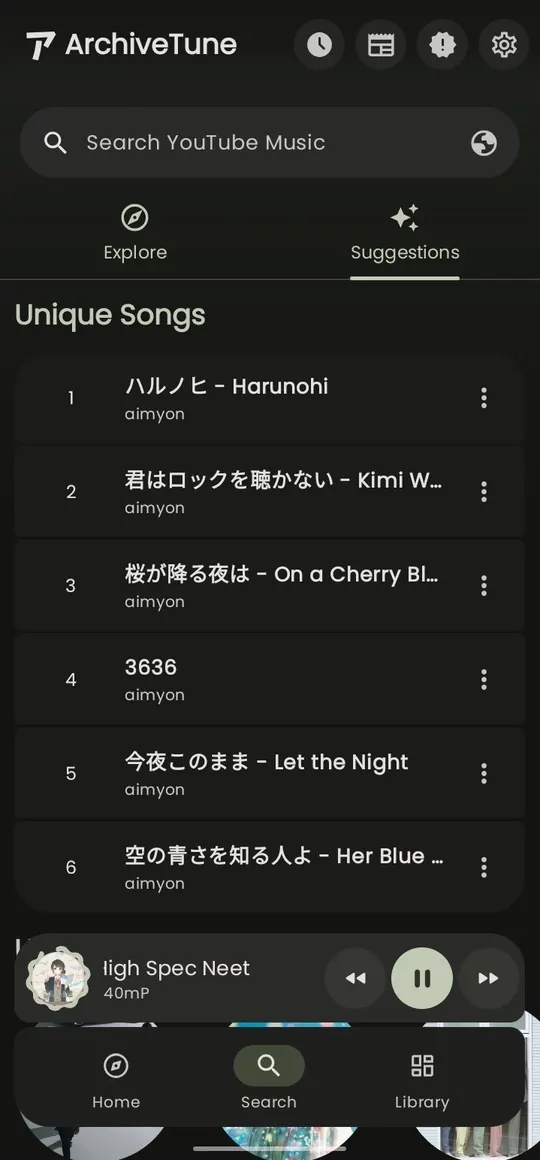
The shared label can hide different workflows. Metrolist is organized around discovering and playing YouTube Music content, with account playlists, offline caching, synchronized lyrics and a separate Google Cast build. ArchiveTune's current release notes highlight background music recognition, scheduled backups, download management, output controls and richer player details. The right choice depends on what you need every day, not on which screenshot looks more polished.
Treat both projects as separate packages. Do not search for a combined 'Metrolist ArchiveTune APK' or assume that an ArchiveTune file can update Metrolist. The official repository, release tag, filename and Android package are the identity checks that keep a comparison useful.
Current versions, packages and release direction
The following facts were checked against the two official GitHub release APIs and project files on August 7, 2026. The numbers are not a benchmark: APK size, version numbering and feature count are not interchangeable measures of quality.
Metrolist's latest verified release is v13.6.3, published August 7, 2026. Its release notes describe maintenance mode with bug fixes and minor improvements, including playback recovery, Android Auto freezes and delays, login and backup restoration, and sleep-timer crashes. ArchiveTune's latest verified release is v14.0.0, published July 19, 2026 and updated in release metadata on July 21. Its notes describe new work around recognition, scheduled backups, downloads, player controls and diagnostics.
The official Metrolist release exposes three APK choices: the standard file, the Google Cast build and the Izzy build. ArchiveTune's current FOSS asset is a universal Android APK. Use the official release page for the exact current asset; this site does not mirror or repackage either project's files.
Primary sources: Metrolist official repository, Metrolist v13.6.3 release, ArchiveTune official repository and ArchiveTune v14.0.0 release.
| Area | Metrolist | ArchiveTune |
|---|---|---|
| Latest verified release | v13.6.3 · August 7, 2026 | v14.0.0 · July 19, 2026 |
| Android package | com.metrolist.music | moe.rukamori.archivetune |
| Representative official APK | Metrolist.apk · 24,146,395 bytes | app-foss-mobile-universal-release.apk · 32,745,762 bytes |
| Release direction | Maintenance fixes and minor improvements | Feature work in v14.0.0 around backups, downloads and playback controls |
| Best starting question | Do I need a YouTube Music client and Cast option? | Do I need local-library, backup or download-management features? |
YouTube Music, local audio, backups and downloads
Metrolist is the more direct choice when YouTube Music is the center of the library. Its site and release documentation focus on search, account synchronization, playlists, background playback, offline cache, synchronized lyrics, music recognition, Android Auto and a dedicated Cast variant. If your first question is 'Can this replace my everyday YouTube Music client?', start with Metrolist's current release and test playback before moving a primary account.
ArchiveTune is more attractive when the boundary between streaming and owned files matters. Its v14.0.0 notes mention detailed local-audio information, scheduled backups, grouped and searchable download management, Spotify playlist download actions, artwork handling and stronger diagnostics. Those features can reduce the need to keep a separate workflow for local files and downloaded media, but they should still be verified on your device rather than inferred from a release headline.
Offline has different meanings. A service cache is controlled by an app and an upstream account, while a local audio file is an ordinary file that should be backed up outside private app storage. Before switching, copy irreplaceable files, record playlist counts and test restore behavior with a small folder. Neither project should be treated as a permanent backup simply because it can play downloaded content.
- Pick Metrolist for YouTube Music discovery, account playlists, Cast or the documented Android Auto workflow.
- Pick ArchiveTune when scheduled backups, local-audio details, download management or recognition are decisive.
- Keep original audio and playlist records outside the app before testing a migration.
Lyrics, playback controls, Android Auto and Cast
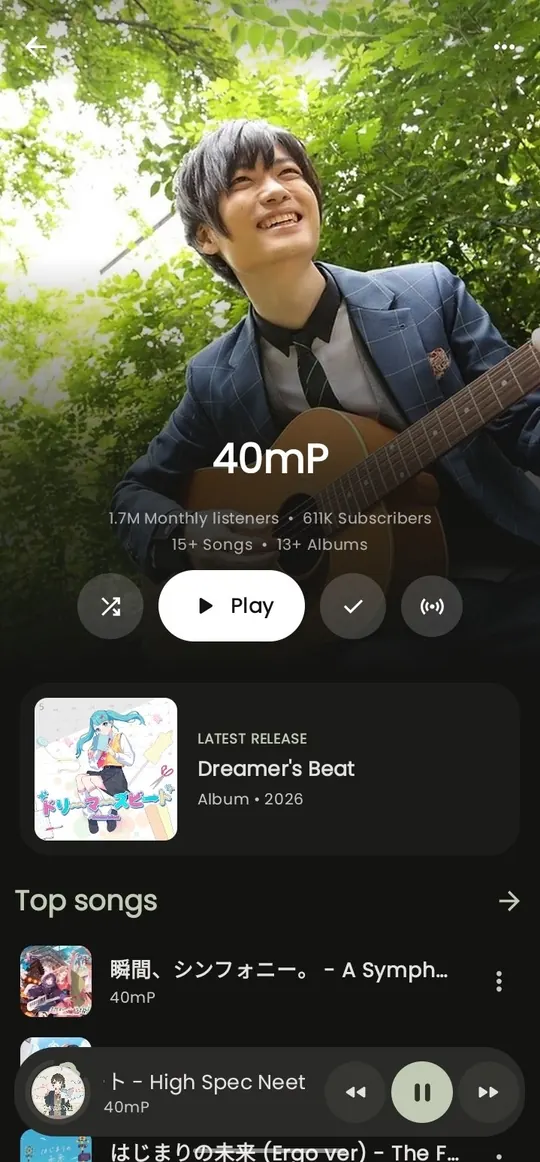
For lyrics and playback, compare the exact tracks and languages you use. Metrolist emphasizes synchronized lyrics and AI translation, while ArchiveTune's v14.0.0 notes describe lyrics customization and player-control changes. A feature name does not guarantee a lyric source for every song, so test a familiar playlist with the screen off and after a network change.
Metrolist has a concrete advantage for Google Cast because the official project publishes a separate Cast APK. Its v13.6.3 notes also mention Android Auto freezes and playback-delay fixes. ArchiveTune's current notes focus on device-output controls, audio metadata and stability improvements. If your priority is car or receiver playback, compare the specific device route rather than assuming that both apps expose identical controls.
Use a short repeatable test: search for five tracks, queue them, switch between Wi-Fi and mobile data, turn the screen off, reconnect Bluetooth, open the car interface while parked and restart the app. Record the version, build name and exact symptom. This gives more useful evidence than a broad claim that one app is simply 'better'.
- Install only the named official package and note the release tag.
- Test one public track before signing in or importing a full library.
- Check lyrics, queue recovery, Bluetooth, Android Auto or Cast on the actual device.
- Keep a fallback player and the original files before making the new app your daily player.
Installation, migration and APK safety
Install Metrolist from the MetrolistGroup release channel and ArchiveTune from ArchiveTune's project channel or a distributor explicitly named by that project. Check the owner, release tag, filename, package identifier and final host. Avoid files named 'Metrolist ArchiveTune', 'premium', 'unlocked' or 'mod' because a keyword match does not prove that the file belongs to either project.
The two package identifiers are different, so they can usually be tested side by side. That does not make their data interchangeable. Start with a secondary account if login is required, never paste cookies or tokens into Reddit, Discord or support forms, and review account sessions after testing an independent client. Keep local music and playlist exports outside app-private directories before uninstalling anything.
There is no guaranteed one-click migration between Metrolist and ArchiveTune. Move a small, disposable playlist first, verify track matches and compare download locations. If an APK fails to install, do not solve the problem by trying random mirrors: check Android compatibility, storage, file completeness and whether a different signed package is already installed. The Android installation guide covers the safer Metrolist path, while the APK safety guide explains source and account checks.
- Verify the official project owner, release tag and Android package before opening the installer.
- Back up local files and note playlist contents outside the app.
- Test a secondary account and do not share login tokens or cookies.
- Keep the official release page as the download fallback instead of an unverified mirror.
Which app should you choose?
Choose Metrolist if you want a YouTube Music-first Android client, a current verified release, a documented Cast build, Android Auto maintenance fixes, account playlists and a familiar Metrolist-focused workflow. Its maintenance-mode wording is important: expect bug fixes and smaller improvements, not a promise of a large new-feature roadmap.
Choose ArchiveTune if its v14.0.0 feature direction matches a concrete need: scheduled backups, searchable download management, background recognition, local-audio information, player controls or diagnostics. A newer release date alone is not enough; confirm the feature on your Android version and keep a separate backup of files that matter.
If you need both service discovery and durable local files, using a streaming client alongside a maintained local player may be safer than forcing one APK to do everything. For more comparisons, see the Metrolist alternatives guide, Metrolist vs OuterTune and Metrolist vs OpenTune.
| Your priority | Better first test | Why |
|---|---|---|
| YouTube Music discovery and account playlists | Metrolist | The project is centered on that service workflow. |
| Cast receiver or documented Android Auto fixes | Metrolist | The official Cast build and v13.6.3 release notes are explicit. |
| Scheduled backups and download management | ArchiveTune | Those features are highlighted in the v14.0.0 release notes. |
| Comparing both without risking a primary library | Install side by side with backups | Different packages do not remove the need for separate data and account precautions. |
Metrolist vs ArchiveTune FAQ
Which app has the newer release?
ArchiveTune v14.0.0 was published July 19, 2026, while Metrolist v13.6.3 was published August 7, 2026. Version numbers use different project schemes, so compare release notes and required features instead of treating v14 as automatically newer in every sense.
Is ArchiveTune an official Metrolist version?
No. ArchiveTune is a separate Android project with its own repository, package name and release assets. Do not install an APK that combines the two names or treats one project as an update for the other.
Which app is better for YouTube Music?
Metrolist is the more direct first test for a YouTube Music-centered library because its documented workflow focuses on discovery, account playlists, offline cache, lyrics, Android Auto and Cast. Test the current official release on your device before moving a primary account.
Which app is better for backups and downloads?
ArchiveTune v14.0.0 highlights scheduled backups, grouped download management and related playback or diagnostics work. Treat those as features to verify on your device, and keep irreplaceable audio and playlist records outside app-private storage.
Can I install Metrolist and ArchiveTune together?
They use different package identifiers and can usually be tested side by side, but their settings, downloads, accounts and backups remain separate. Install only official packages and avoid sharing tokens between independent clients.
Where should I download the APKs?
Use the official MetrolistGroup release for Metrolist and the official ArchiveTune project release for ArchiveTune. This site sends its Metrolist CTA to the verified project-hosted download area and does not mirror or modify APK files.