
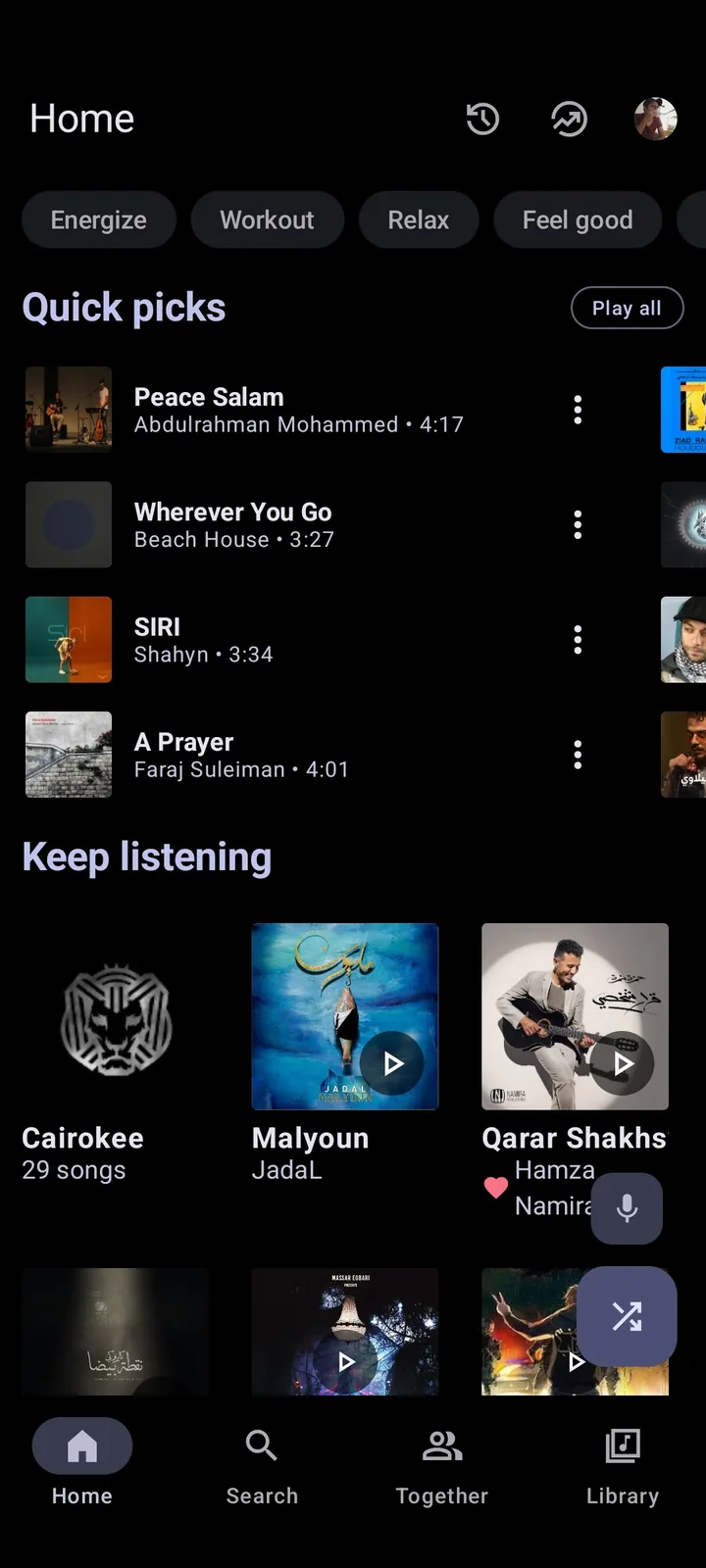
Does Metrolist have a PC version?
The verified Metrolist repository describes the software as a YouTube Music client for Android. Its current release publishes three APK assets, not an EXE, MSI, Microsoft Store package, DMG or macOS application. The Android build configuration targets package com.metrolist.music, Android 8.0 or later and ARM device architectures. Those facts matter because search results sometimes use phrases such as “Metrolist Windows download” for pages that only provide the Android APK.
A GitHub search may surface experiments that wrap or imitate Metrolist on desktop. Those projects are separate from the main MetrolistGroup repository. Treat an unofficial desktop client as a different product: inspect its source, release history, maintainer identity, permissions and signing process before installing it. This site does not present a small third-party port as an official Windows release.
| File or platform | Published by main project? | What it means |
|---|---|---|
| Metrolist.apk | Yes | Android package; requires Android 8.0+ or an emulator. |
| Metrolist-with-Google-Cast.apk | Yes | Android package with Google Cast libraries. |
| Windows EXE or MSI | No | No verified native Windows installer is published by the project. |
| macOS DMG or app | No | No verified native macOS release is published. |
| Web player | No | The project website is informational, not an online Metrolist player. |
How to use Metrolist on Windows with an Android emulator
An Android emulator creates a virtual Android device on Windows. It is the closest way to run the actual Metrolist APK, but it adds memory use, background services and another software vendor to trust. Choose an established emulator from its official website, keep virtualization enabled and avoid download portals that bundle installers.
Audio playback, media keys, downloads, notification controls and Google account behavior can differ from a physical Android phone. Some emulators identify as an unsupported architecture or modified Android environment. If Metrolist installs but closes immediately, verify that the emulator supports ARM translation and Android 8.0 or newer.
- Install a reputable Android emulator from its official publisher and complete its Android setup.
- On this site, choose the standard Metrolist APK unless you specifically need Google Cast.
- Confirm the final download URL is a github.com/MetrolistGroup/Metrolist release asset.
- Use the emulator's APK install command or drag the file into the running Android window.
- Open Metrolist, test playback before signing in, and review emulator microphone, storage and network permissions.
- Store offline music only if you understand where the emulator keeps its virtual disk and how it is backed up.
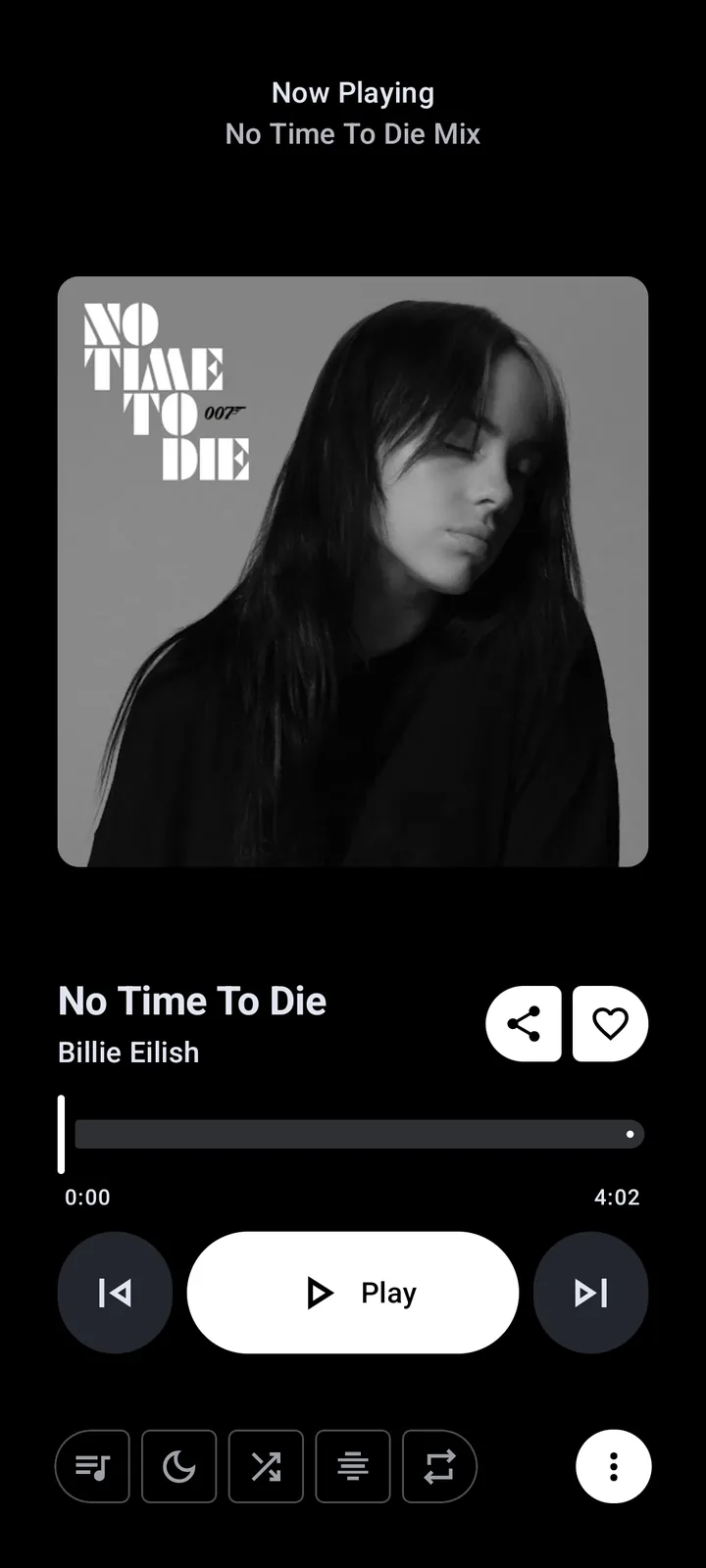
The simpler PC option: use YouTube Music in a browser
If your goal is simply to listen on a PC, the official YouTube Music website is usually lighter and easier than an emulator. It supports desktop browsers, account libraries and media playback without installing an Android runtime. The trade-off is that it is not Metrolist: its interface, subscription behavior, offline features and controls follow Google's service.
A browser progressive web app can create a desktop-like shortcut, but it is still the YouTube Music website. Do not label a browser shortcut as “Metrolist Web.” The Metrolist project website at metrolist.cc is a project information and download site, not a streaming player.
PC options compared
Choose based on the job you need to complete rather than the Metrolist name alone. An emulator is useful for testing the actual Android client. A browser is best for quick desktop listening. A native open-source desktop client may offer better integration, but it must be assessed as its own project.
| Option | Runs real Metrolist? | Advantages | Limitations |
|---|---|---|---|
| Android emulator | Yes | Same Android APK and interface | Higher resource use; emulator trust and compatibility |
| YouTube Music web | No | Fast setup and official desktop access | Different features and service rules |
| Unofficial desktop port | Not necessarily | May feel native | Separate maintainers, signing and security model |
| Phone plus casting | Yes | Keeps Metrolist on supported Android | Requires a compatible receiver and Cast build |
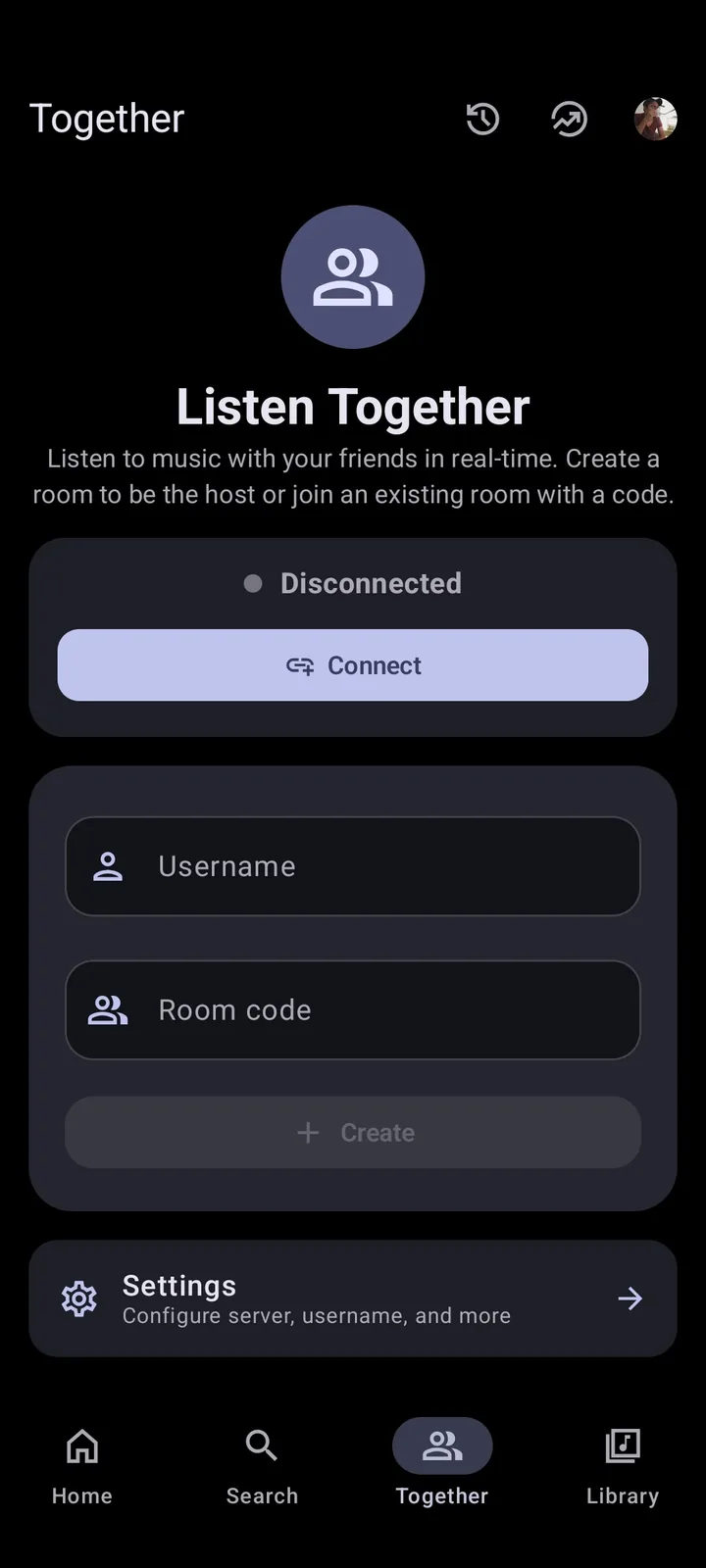
Avoid fake Metrolist Windows downloads
A page offering “Metrolist.exe,” “Metrolist cracked for PC” or a Windows installer with no link to a transparent repository is not distributing the official Android release. Do not disable antivirus protection just because an installer claims to be a music client. Check the filename, publisher, source repository, release history and independent reputation before opening it.
The safest statement is also the least exciting: the official project publishes APK files. If you use an emulator, download the emulator from its official publisher and the APK from the MetrolistGroup release. For a deeper source and permission review, read Is Metrolist Safe? and the Metrolist GitHub guide.
- An APK is not a native Windows installer.
- Do not trust “Premium unlocked” or Mod labels; the project is already free and open-source.
- Do not enter a Google token into an unknown desktop wrapper.
- Back up playlists before testing an unofficial client or emulator.
Test a Metrolist for PC setup before keeping it
A practical Metrolist for PC setup starts with the purpose. For a short compatibility test, install Metrolist for PC inside a temporary emulator and avoid importing a large library. For daily listening, compare the emulator's startup time, memory use, media-key support and sleep behavior with YouTube Music web. For casting, it is often simpler to keep Metrolist on an Android phone and control a supported receiver from the phone. None of these choices creates a native Windows edition, but each solves a different desktop need without mislabeling an APK as an EXE.
Before keeping Metrolist for PC in an emulator, test a complete session: launch the emulator, play three tracks, pause with a keyboard media key, switch audio outputs, close the window and confirm whether playback and downloads resume correctly. Also locate the emulator's virtual storage and backup controls. This check exposes limitations that a successful APK installation alone does not reveal. If the Metrolist for PC workflow consumes more resources than it saves, a browser player is the more maintainable PC choice.
Security is part of desktop compatibility. A legitimate Metrolist for PC test combines an emulator from its official publisher with an APK from the MetrolistGroup release. It does not require a custom Windows installer, a cracked executable or a raw Google token. Record the emulator version and APK source so you can reproduce or remove the setup later.
PC compatibility checkpoint
A PC is ready for the emulator method when virtualization is enabled, enough memory remains for Android and Windows audio works before the emulator starts. After setup, confirm the PC can close the emulator cleanly and recover its virtual disk. If the PC becomes slow or audio routing is unreliable, remove the emulator and use a browser instead.
Metrolist PC version: what the official release publishes
The official release evidence is simple: v13.6.3 contains Android APK assets and no verified EXE, MSI or native desktop package. That is why a Metrolist PC version query should lead to compatibility guidance, not an invented Windows download.
If you search for Metrolist desktop or Metrolist for Windows, distinguish the official Android project from a separate third-party wrapper. Use an emulator only when you need the Android app itself; use YouTube Music web when you need a lighter desktop workflow.
| Search wording | Correct interpretation |
|---|---|
| Metrolist for PC | Platform compatibility guide |
| Metrolist APK for PC | APK inside an Android runtime |
| Metrolist for Windows | No official native Windows build |
| Metrolist desktop | Separate product unless adopted upstream |
Metrolist for PC FAQ
Can I download Metrolist for Windows 11?
There is no official native Windows 11 build. You can install the Android APK inside a compatible Android emulator.
Is there an official Metrolist desktop app?
No official desktop release is published by the main MetrolistGroup project as of July 19, 2026.
Can I open Metrolist.apk directly on a PC?
No. Windows cannot run an Android APK directly; it requires an Android runtime or emulator.
Does Metrolist work on macOS?
The project does not publish a native macOS build. Android emulation on macOS is a separate workaround with its own compatibility limits.
Is Metrolist available online?
There is no Metrolist web player. The project website provides information and downloads, while YouTube Music has its own web player.
Which APK should I use in an emulator?
Start with the standard Metrolist.apk. Choose the Google Cast build only if the emulator and your setup need Cast support.
Can I install Metrolist APK directly on Windows?
No. Windows cannot open an Android APK directly; use an Android emulator for the real app or use YouTube Music in a browser for a native desktop workflow.