
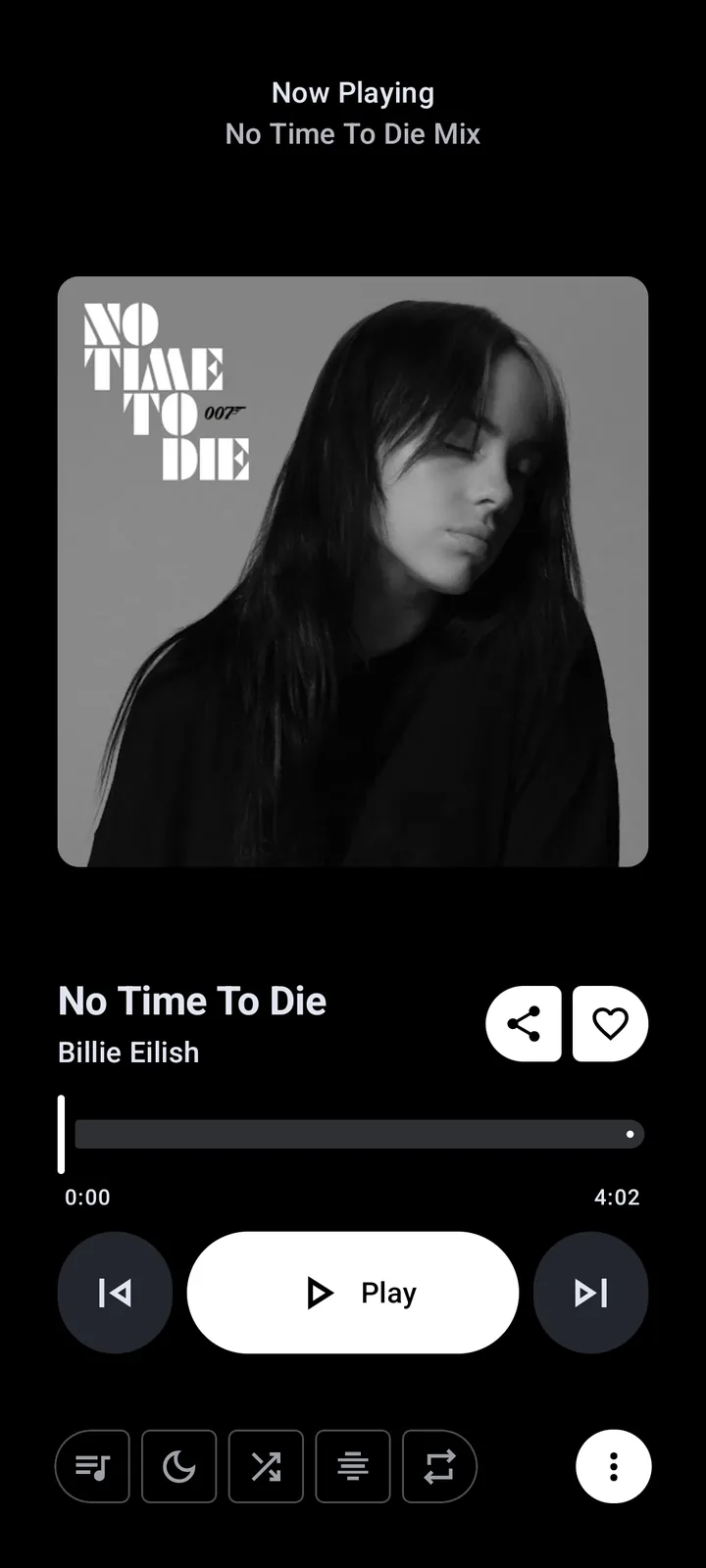
What Metrolist and OpenTune have in common
Both projects describe themselves as independent YouTube Music clients for Android. Both publish source code under GPL-3.0, use Material 3, offer background and offline playback, manage libraries and playlists, and include synchronized lyrics plus audio controls. Neither project is an official Google or YouTube product.
Those similarities mean the comparison should focus on verified differences rather than generic claims such as “better sound” or “more stable.” Sound output depends on source media, device codecs, equalizer settings and implementation details. Stability can change after any YouTube update. Check current releases and issues when one feature is essential.
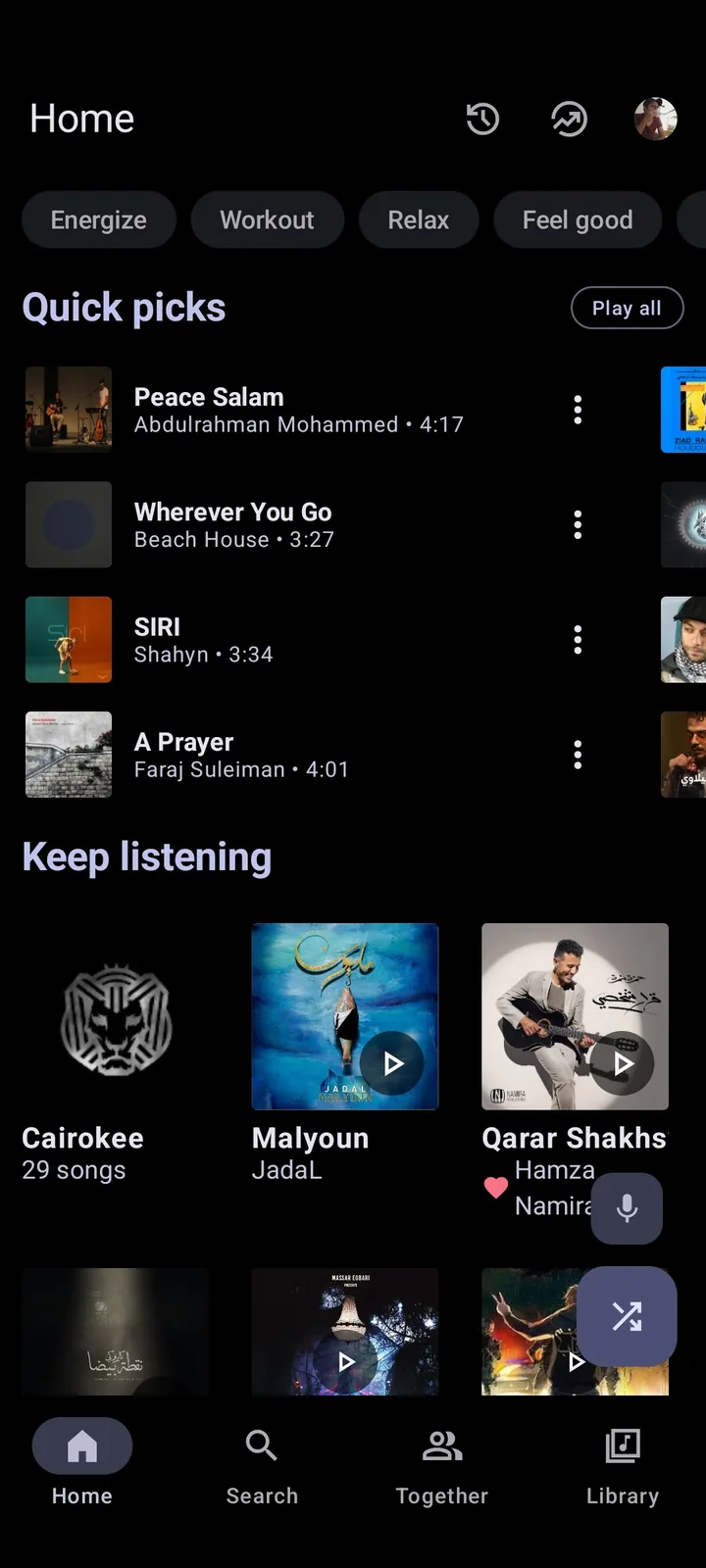
Metrolist vs OpenTune feature table
The table uses current first-party repository documentation checked on July 19, 2026. A blank or undocumented feature should not be interpreted as impossible; it means the compared source did not make the same explicit claim.
| Area | Metrolist | OpenTune |
|---|---|---|
| Primary platform | Android 8.0+ | Android 6.0+ documented |
| License | GPL-3.0 | GPL-3.0 |
| Ad-free claim | Yes | Yes |
| Background playback | Yes | Yes |
| Offline download | Download and cache | Offline download |
| Synchronized lyrics | Yes, plus AI lyrics translation | Yes |
| Audio tools | Normalization, tempo/pitch, equalizer, skip silence | Normalization, tempo/pitch, skip silence |
| Themes | Light, dark, black, dynamic and 19 palettes | Customizable dynamic themes |
| Google Cast | Separate documented Cast APK | Not emphasized in compared README |
| Android Auto | Not emphasized in compared README | Documented support |
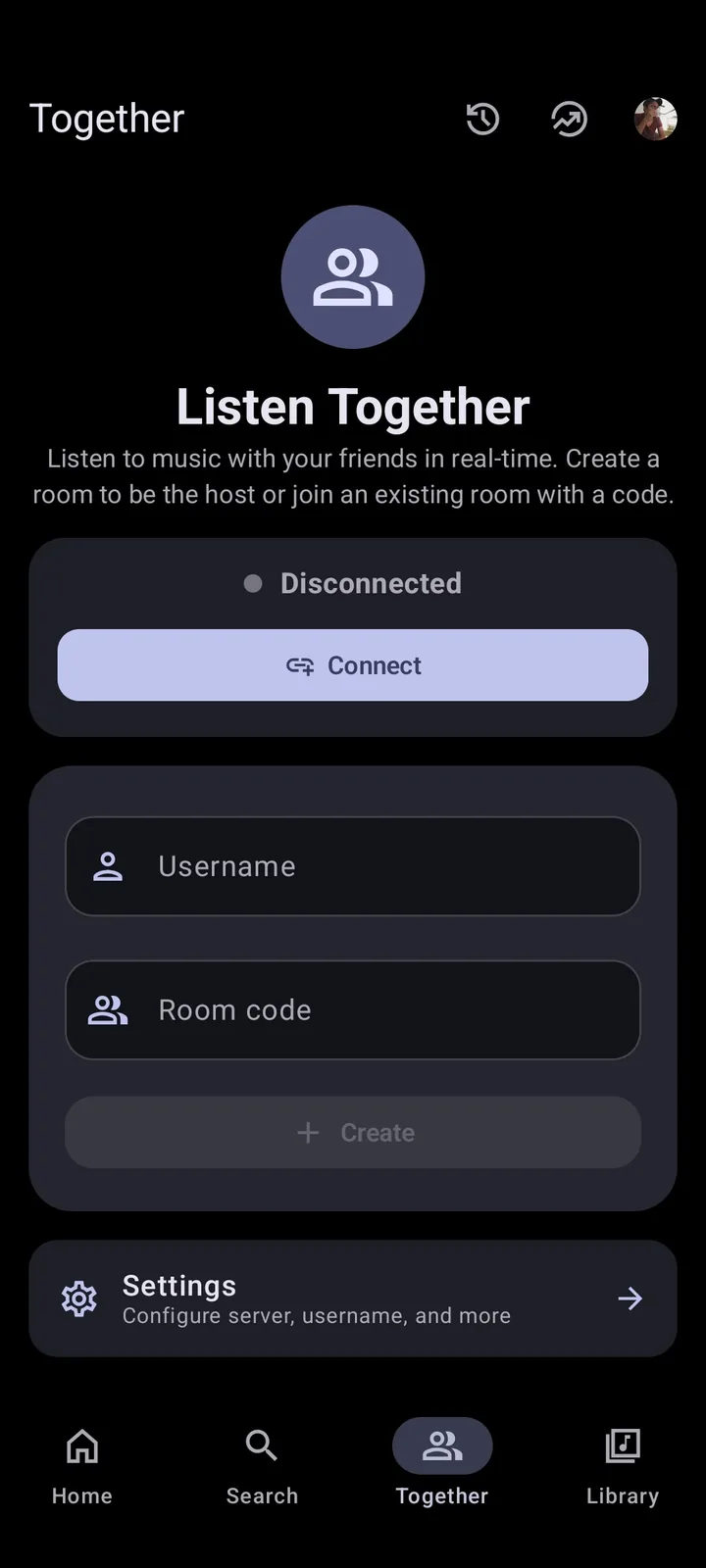
| Social listening | Listen Together feature | Not emphasized in compared README |
| Music recognition | Documented recognition screen and integration | Not emphasized in compared README |
| Update paths | GitHub, in-app updater, IzzyOnDroid | GitHub, project site, F-Droid/OpenAPK documented |
| Current direction | Maintenance mode for fixes/minor changes | Active repository development at time checked |
Android compatibility and installation
Metrolist v13.6.3 requires Android 8.0 or later. Its release provides standard, Google Cast and Izzy builds. OpenTune's repository advertises Android 6.0 or later, which can make it available to older devices. Actual device compatibility also depends on CPU architecture, WebView, media codecs and vendor Android changes.
Install only from each project's named repository or documented distribution channel. Do not assume a combined “OpenTune Metrolist APK” is an official hybrid. Package signatures differ, so one app cannot safely update the other. Both can normally coexist if their package names are distinct, but they may duplicate downloads and account sessions.
- Use Metrolist standard APK for the normal baseline.
- Use its Cast APK only when Google Cast matters.
- Consider OpenTune on Android 6 or 7 devices that cannot install current Metrolist.
- Avoid restoring one app's internal database into the other unless the format is explicitly supported.
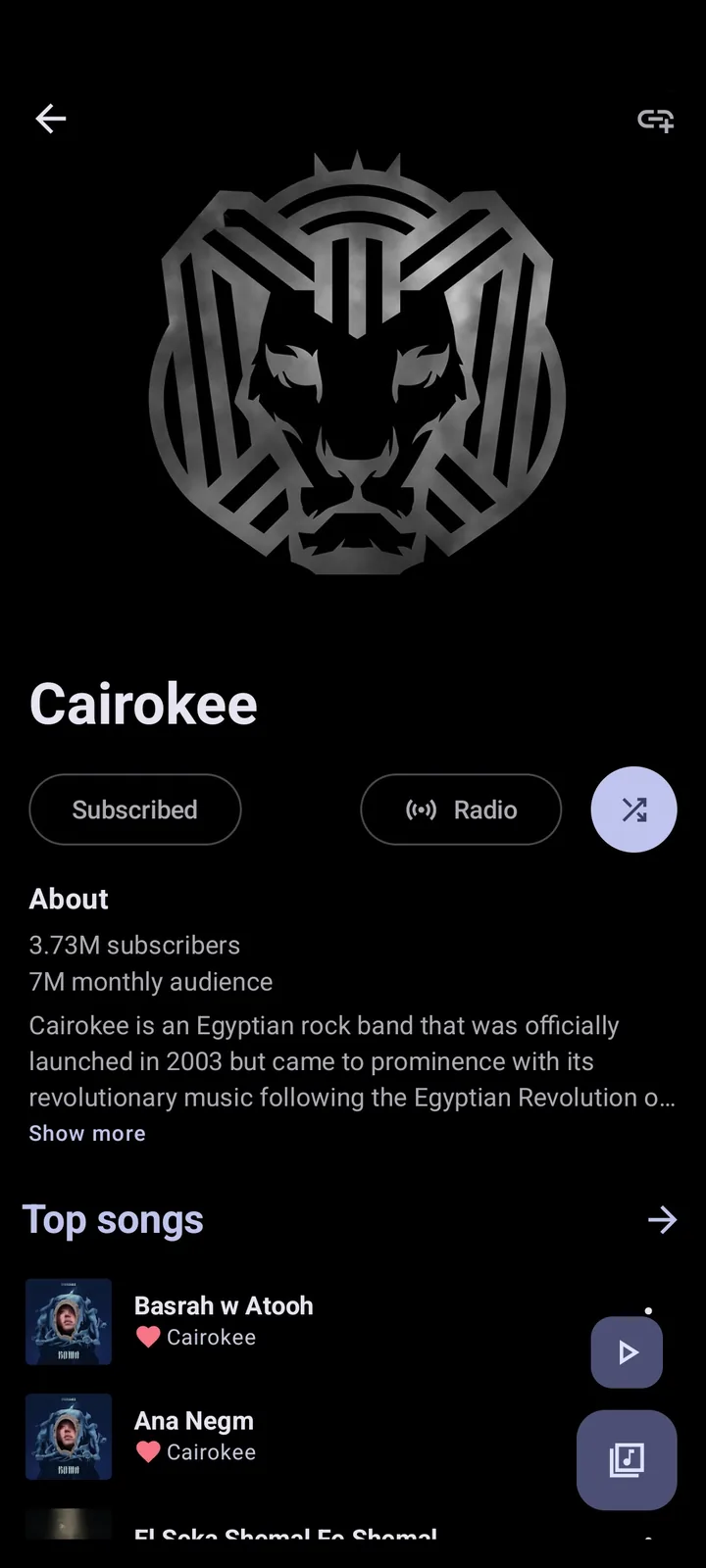
Playback, lyrics and library features
Metrolist's current documentation is unusually specific: background playback, offline cache, skip silence, sleep timer, audio normalization, tempo and pitch, equalizer, live lyrics, AI lyrics translation, music recognition, account sync and real-time listen-together are all named. OpenTune documents the core playback set plus synchronized lyrics, account integration, offline use, Android Auto, dynamic themes and album-art export.
Feature count is not the only measure. A smaller feature set can be more reliable on an older phone, while a specific function such as Cast or Android Auto may decide the choice immediately. Test battery use, Bluetooth controls, gapless transitions and offline recovery with your own device because README lists cannot predict vendor-specific behavior.
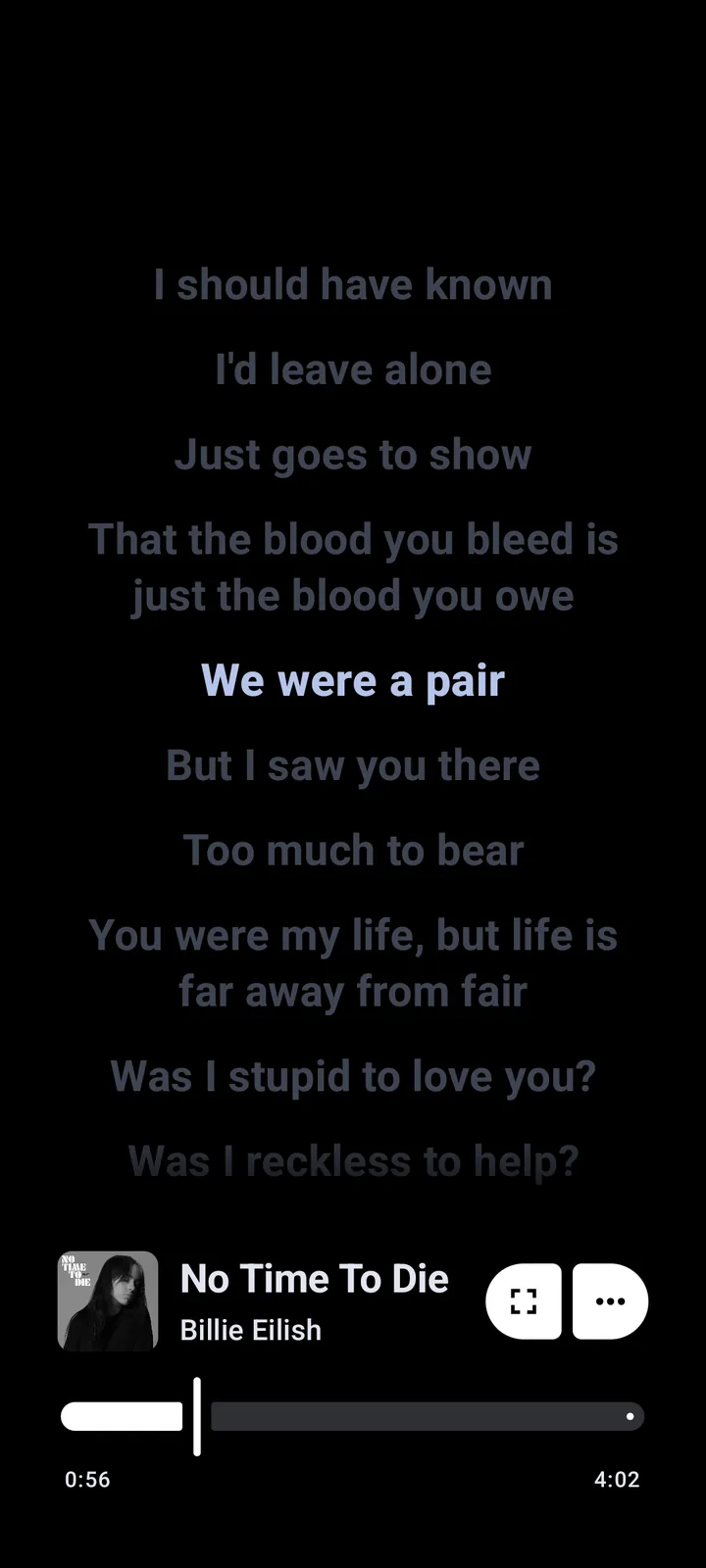
Project activity, updates and long-term reliability
Metrolist currently states that it is in maintenance mode: bug fixes and minor improvements continue, but major feature contributions are not the focus. That can be positive for users who prefer fewer interface changes, yet it may also mean slower expansion. OpenTune showed active repository updates when checked, but activity alone does not guarantee stable releases.
For either client, review the most recent stable release, open issues and commit history. Upstream YouTube changes can break playback independently of project quality. Keep the last working APK only if you can store it safely, and never downgrade over a newer installation without backing up local playlists.
Which app should you choose?
Choose Metrolist if its social listening, recognition, lyric translation, theme selection or documented Cast build solves a concrete need. Choose OpenTune if older Android support, Android Auto or its distribution options matter more. Users who only need reliable cross-platform access may prefer the official YouTube Music service despite its different pricing and source model.
You can test Metrolist and OpenTune side by side, but avoid signing both into a primary account on day one. Begin anonymously or with a lower-risk account, compare a small playlist, confirm offline storage paths and remove the app you do not plan to maintain. See Metrolist alternatives for more choices and the safety guide for account precautions.
Run a Metrolist vs OpenTune device test
Run a controlled Metrolist vs OpenTune comparison on the same Android phone before moving a library. Install each app from its named project release, keep audio effects at their defaults and test the same five tracks. Compare cold startup, search results, queue edits, Bluetooth commands, background playback, lyrics matching and recovery after Wi-Fi changes. A Metrolist vs OpenTune feature difference matters only when it remains reliable on your device and Android version.
Account and storage separation also affect the decision. In a Metrolist vs OpenTune trial, sign in only after anonymous playback works, download one expendable track and locate each app's storage controls. Removing one app should not erase the other's files, but Android cleanup tools and user assumptions can still cause confusion. Back up local playlists before testing imports, downgrades or differently signed packages.
Recheck the projects after major upstream changes. Metrolist vs OpenTune stability can reverse between releases because both depend on YouTube behavior they do not control. Record the exact app versions that passed your tests, read current issue reports and avoid declaring one project permanently more stable from a single failure. Compatibility, update speed and the one distinctive feature you actually use are stronger decision criteria.
Metrolist vs OpenTune FAQ
Is OpenTune the same as Metrolist?
No. They are separate open-source Android projects with different maintainers, packages and release channels.
Which works on older Android phones?
OpenTune documents Android 6.0+, while current Metrolist requires Android 8.0+.
Which supports Google Cast?
Metrolist publishes a separate APK with Google Cast support.
Which supports Android Auto?
OpenTune explicitly documents Android Auto support in its repository.
Can both apps be installed together?
Distinct package names can allow coexistence, but account sessions, downloads and storage remain separate.
Which app is more stable?
Stability changes by version, device and upstream YouTube behavior. Check current issues and test the exact features you need.