
Metrolist standard APK
The normal FOSS build with the project's built-in updater and no Google Cast libraries.
- File size
- 24,146,395 bytes (about 23.0 MiB)
- Best for
- Most Android phones and tablets
 Open-source YouTube Music client for Android
Download Metrolist v13.6.3 from the project's verified GitHub release. Metrolist is a free, ad-free Android music client with background playback, offline caching, synchronized lyrics, playlist tools and Material 3 themes.
The download button leads to the official MetrolistGroup GitHub asset after a short verification countdown. This independent site does not repackage the APK.
All three files below come from release v13.6.3. Most users should choose the standard APK. The Cast build is slightly larger because it includes Google Cast support, while the Izzy build removes the in-app updater for repository compliance.
Metrolist is an independent, open-source YouTube Music client built specifically for Android. It can stream songs and videos available through YouTube Music, play audio in the background, cache music for offline listening, display synchronized lyrics and manage local or account-linked libraries. Its interface uses Material 3 and supports light, dark, black and dynamic themes.
Metrolist is not an official Google or YouTube product, and this website is not the app developer. We verify high-impact facts against the project repository and send downloads to its release assets instead of hosting modified copies. Availability still depends on YouTube Music being supported in your region.
| App name | Metrolist |
|---|---|
| Version | 13.6.3 |
| Released | August 7, 2026 |
| Package | com.metrolist.music |
| Platform | Android 8.0 or later (API 26+) |
| Architecture | arm64-v8a and armeabi-v7a |
| Price | Free |
| Ads | No in-app advertising described by the project |
| Source | GitHub release v13.6.3 |
| License | GNU GPL v3 |
These images come from the project's English Android metadata and show real app interfaces rather than generated mockups.
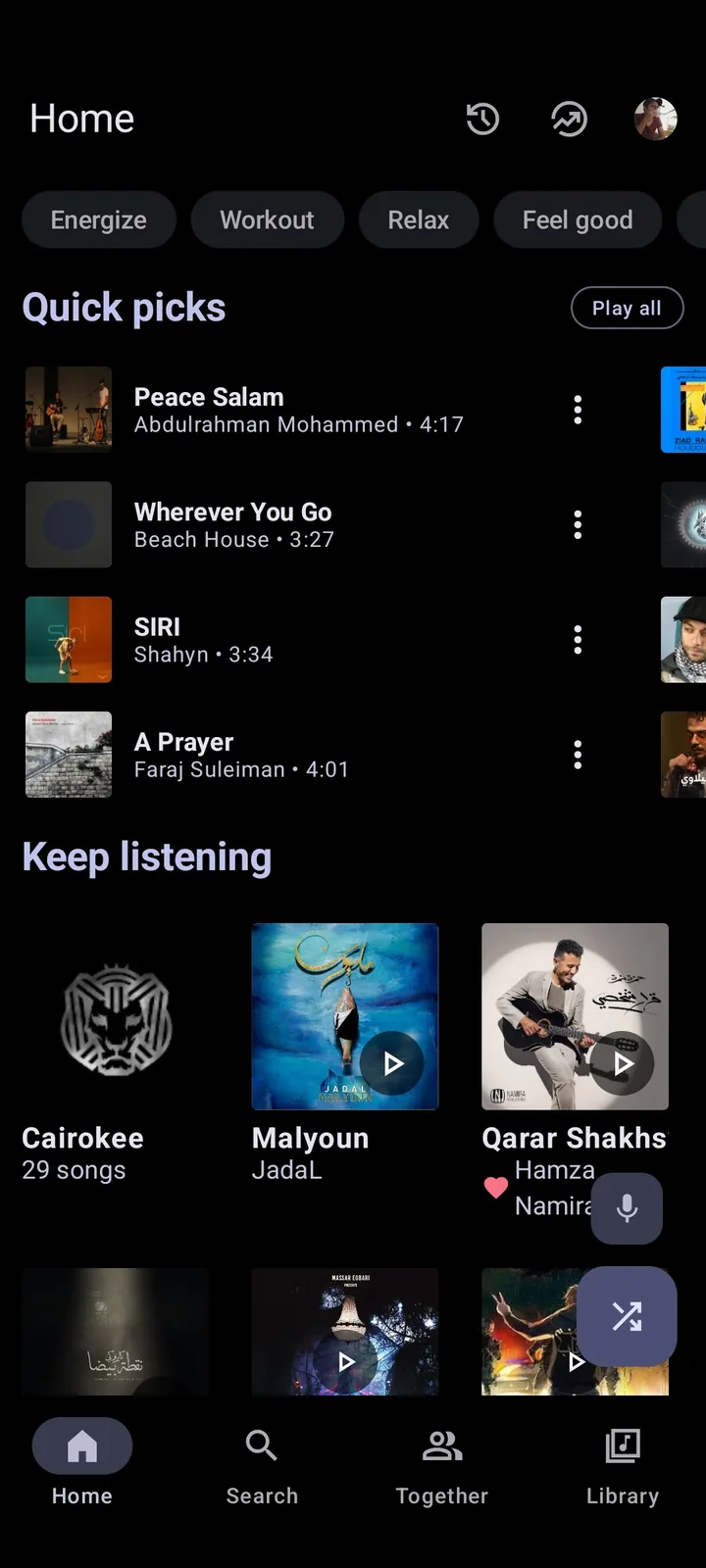
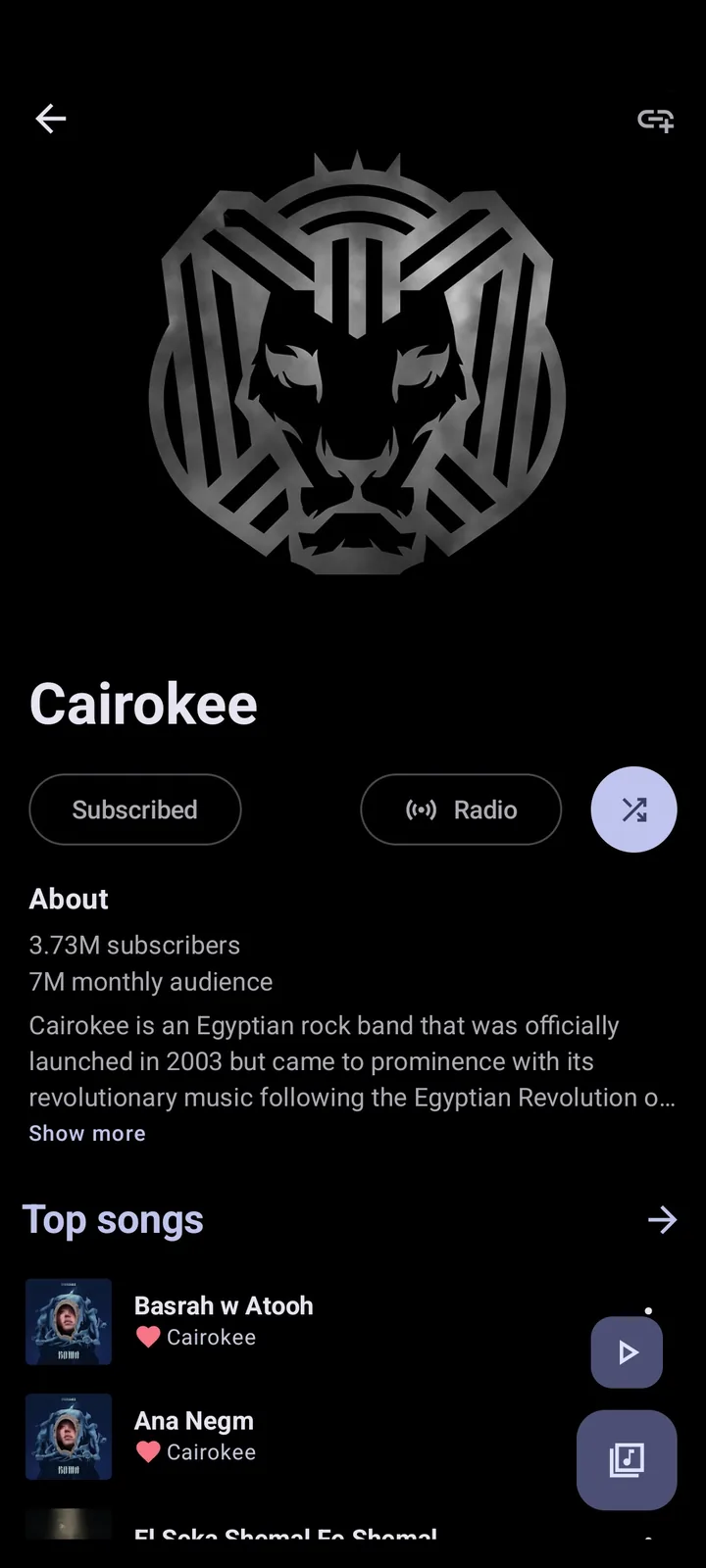
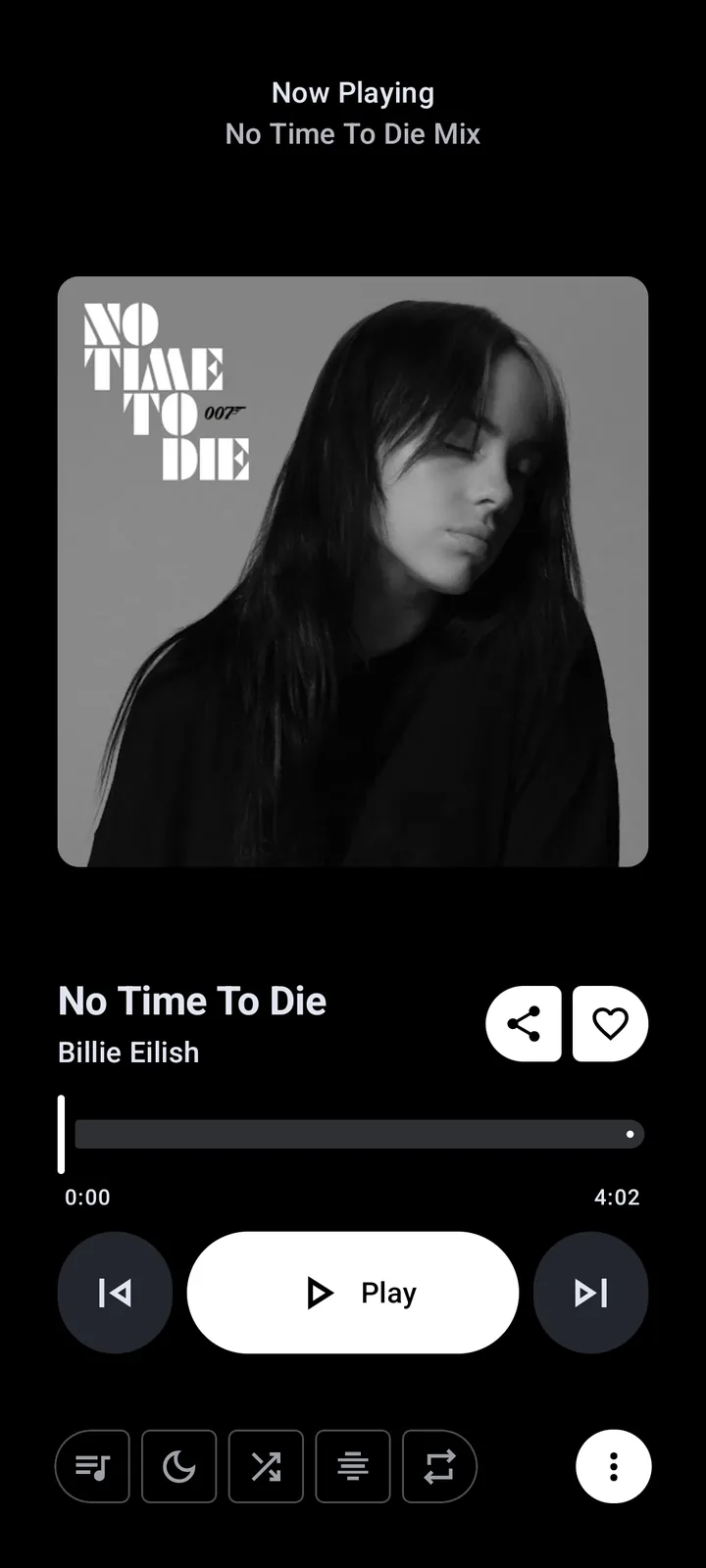
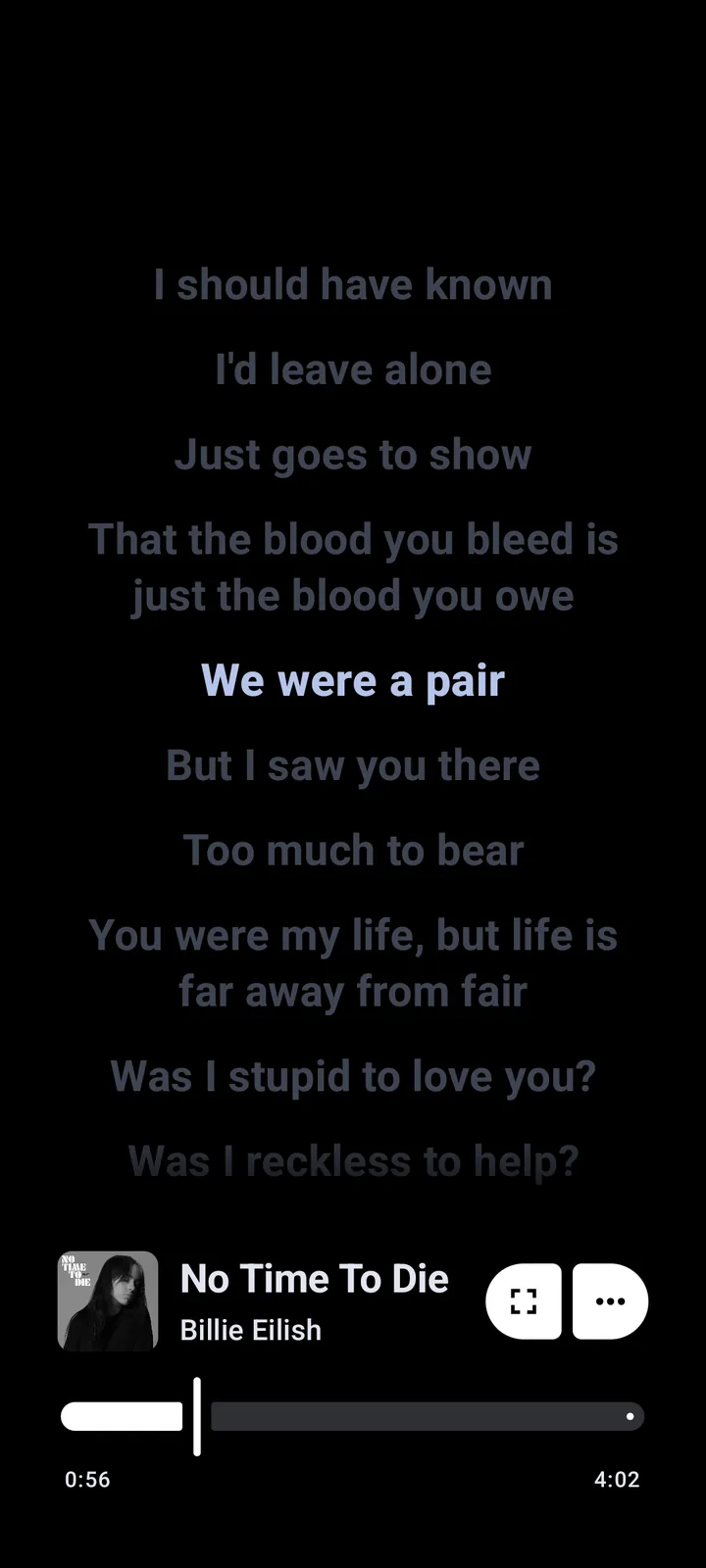
Metrolist combines playback, library and personalization features that are normally spread across several clients. The important distinction is control: users can inspect the source code, choose a build and manage playback without a conventional subscription screen. Features can change as YouTube Music changes, so the current project documentation remains the best source for release-specific behavior.
Continue listening with the screen off and cache songs for offline use. Offline availability depends on content already downloaded or cached in the app.
Use synchronized lyrics, lyrics translation, audio normalization, tempo and pitch controls, an equalizer, skip-silence and a sleep timer.
Search songs, albums, artists and videos; manage local playlists; reorder queues; import supported playlists; and sign in to sync a YouTube Music library.
Choose light, dark, black or dynamic themes, use home-screen widgets and select from the project's color palettes.
Android blocks sideloaded APK files until you approve the specific browser or file manager that opened them. The setting name varies by Android vendor, but permission should be granted only to the app you are actively using for this installation. Turn it off again afterward if you do not regularly sideload software.
Select the standard, Google Cast or Izzy build above. Confirm that the download host is github.com and the release is v13.6.3.
Open the downloaded APK. If Android blocks it, open the shown settings screen and allow your current browser or file manager to install unknown apps.
Return to the APK and tap Install. An existing compatible installation should update in place when the signing key and package name match.
Launch Metrolist, review permissions, choose a theme and decide whether to sign in to YouTube Music. Login is optional for basic use but enables account library synchronization.
Retain the GitHub release link for future updates. Do not install a file labeled Mod, Premium or cracked; those names are not required for this free open-source app.
Metrolist's official codebase targets Android. Search results often imply that a Windows, macOS, iPhone or web edition exists, but the project does not publish those native builds. A platform guide should distinguish an Android workaround from a real supported application.
| Platform | Official status | Practical answer |
|---|---|---|
| Android phone or tablet | Supported | Install one of the verified APK builds on Android 8.0 or later. |
| Windows PC | No official native build | Use an Android emulator if you accept its overhead, or use YouTube Music in a browser. Read the Metrolist for PC guide. |
| macOS | No official native build | There is no verified Metrolist macOS package from the main project. |
| iPhone or iPad | Not supported | Android APK files cannot be installed on iOS or iPadOS. |
| Chromebook | Device-dependent | Some Chromebooks can run Android apps, but APK sideloading and architecture support vary. |
| Web browser | No Metrolist web player | The project website provides information; it is not an online Metrolist player. |
Open source does not automatically make every APK safe. It does, however, provide useful verification signals: Metrolist publishes source code, release history, package details and downloadable assets in a public repository. Reduce risk by downloading from the verified release, avoiding repackaged Mod APK files, keeping Android security updates current and reviewing requested permissions.
The project is currently in maintenance mode. Its maintainers say that this means bug fixes and minor improvements rather than major new features, and explicitly state that the app is not dead. Playback may still fail when YouTube changes upstream behavior, a region does not offer YouTube Music, login tokens expire or local data becomes stale. Use our Metrolist troubleshooting guide to separate those causes.
The latest stable GitHub release checked on August 11, 2026 is Metrolist v13.6.3, published August 7, 2026.
Yes. The official project builds Android APK files. It does not publish an official Windows, macOS, iOS or browser player.
The project describes Metrolist as ad-free. It is free and open-source, although YouTube Music availability and upstream behavior can still affect playback.
Metrolist supports downloading and caching music for offline playback. Keep copyright, service rules and local law in mind when saving content.
No. Metrolist is already free and open-source. A file advertised as a Mod APK is an unofficial repack and introduces avoidable signing and malware risk.
Common causes include upstream YouTube changes, regional restrictions, expired login data, network filtering, battery restrictions or a stale app version. Follow the troubleshooting guide before reinstalling.
Metrolist supports playlist import, but Spotify transfer behavior depends on the link or intermediary format supported by the current build. Read the dedicated import guide and keep the original playlist as a backup.
No. Metrolist APK Wiki is an independent download and help site. The project repository currently lists metrolist.cc and the MetrolistGroup GitHub organization as first-party sources.