
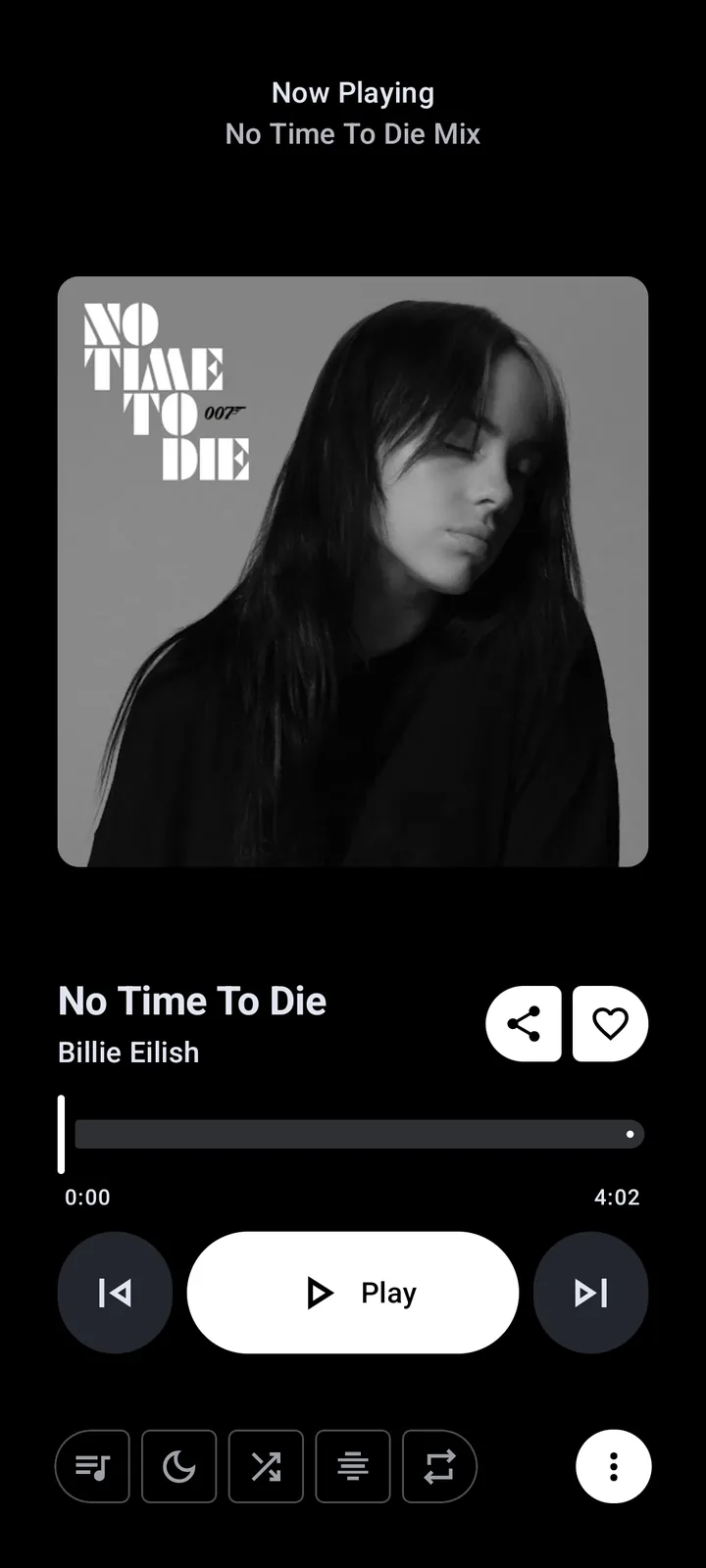
Does Metrolist support Android Auto?
Yes, the current source declares Metrolist as an automotive media app and exposes a media library service that Android Auto can discover. The project also includes a dedicated Android Auto settings screen for library sections, YouTube playlists and a quick-add playlist target. This is stronger evidence than a generic Bluetooth connection, because Android Auto can browse and control the media service.
The official v13.6.3 release, published August 7, 2026, specifically fixes Android Auto freezes and playback delays. Compatibility still depends on the phone, Android Auto version, vehicle receiver and connection. It does not mean Metrolist is a native Android Automotive OS app installed directly on the car.
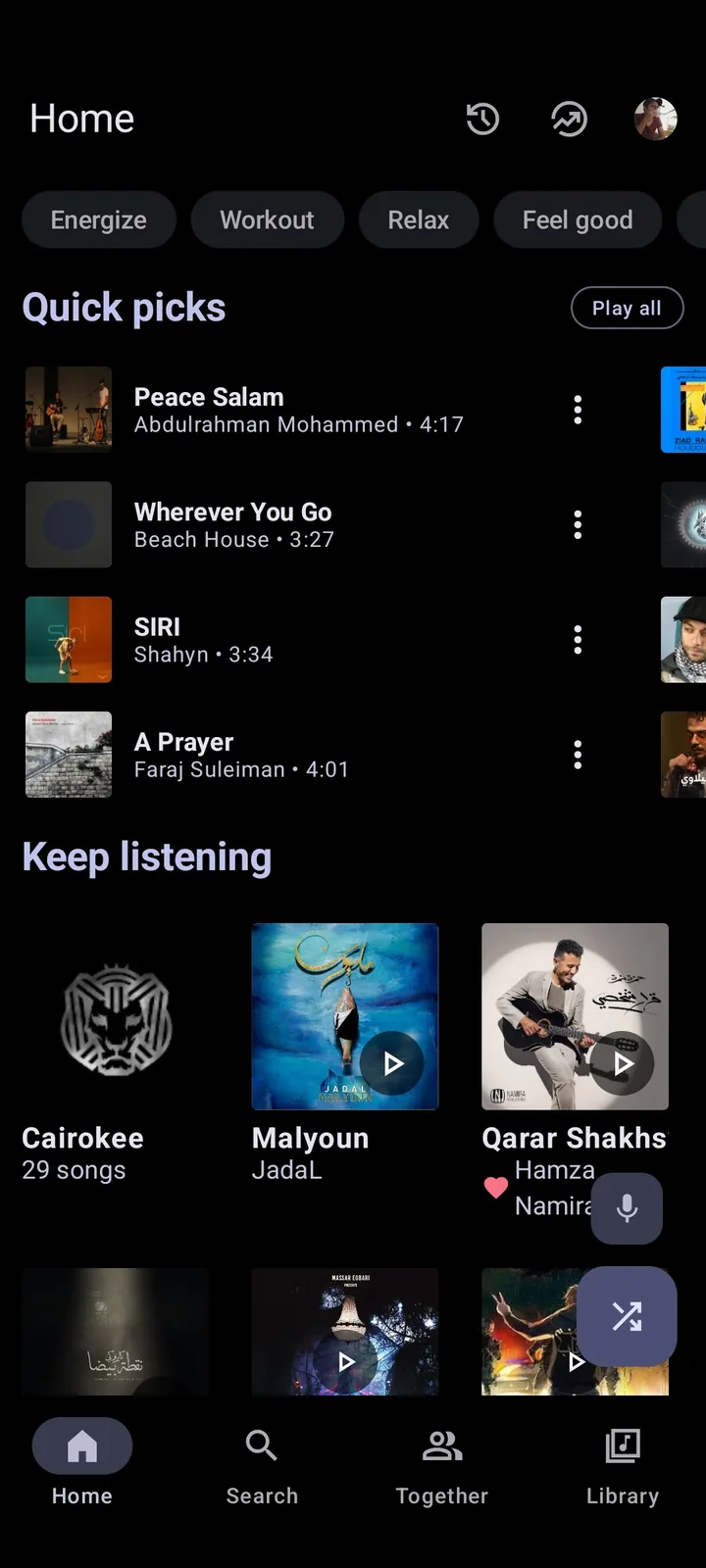
Set up Metrolist before connecting the car
Complete the first test while the vehicle is parked. Install the current standard APK from the verified release, open Metrolist on the phone and play several public tracks. Android Auto cannot provide a stable library if the phone app is blocked by region, network, battery restrictions or an expired account session.
Then open Android Auto settings on the phone, use Customize launcher, and check whether Metrolist is listed. Google advises completing initial Android Auto setup while parked and documents launcher customization. A USB cable, wireless pairing, permissions and the car receiver can each fail independently, so test another known Android Auto media app before changing Metrolist data.
- Verify Metrolist v13.6.3 and play three tracks on the phone.
- Disable battery optimization for Metrolist during the test.
- Connect Android Auto while the car remains parked.
- Open Customize launcher and look for Metrolist.
- Test browse, play, pause, next track and reconnect behavior.
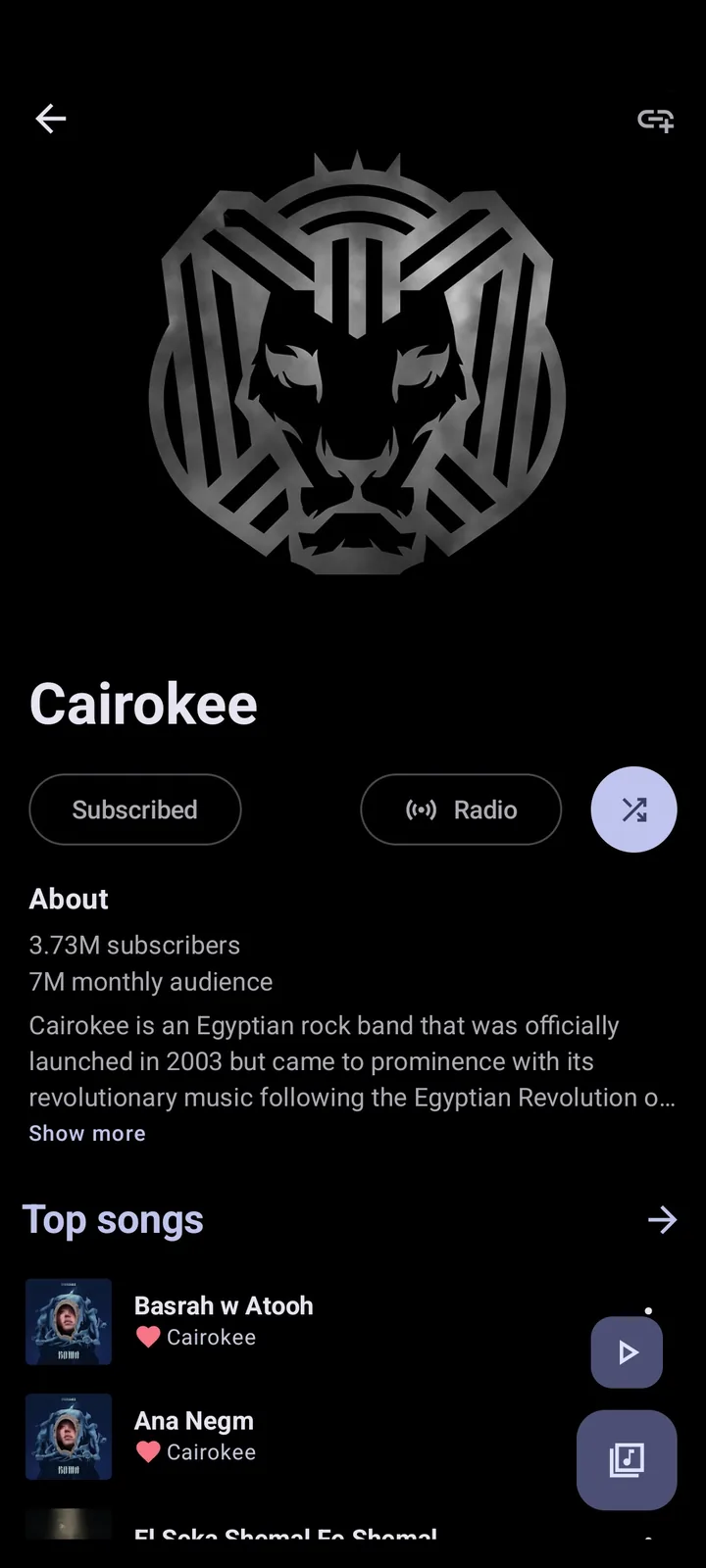
Fix Metrolist not showing in Android Auto
If Metrolist works on the phone but is absent from the car launcher, update Android Auto, restart the phone and reconnect before reinstalling anything. Open Customize launcher again because an app can be installed but hidden from the launcher list. If the APK was sideloaded, Android Auto may classify it differently from a Play-distributed app.
Advanced users sometimes enable Android Auto developer settings and the unknown-sources option so sideloaded compatible media apps can be discovered. Menu names vary by Android Auto release. Use Google's documented developer-settings flow, change only the relevant option, and never operate developer menus while driving. This setting does not make an incompatible APK compatible and is not a reason to download a modified build.
| Symptom | Likely boundary | First safe check |
|---|---|---|
| Metrolist is absent from launcher | Launcher visibility or sideload policy | Check Customize launcher and Android Auto version. |
| Metrolist appears but library is empty | Phone library, network or session | Open Metrolist on the phone and test anonymous playback. |
| Controls appear but audio stalls | Connection, battery or media session | Reconnect, disable battery optimization and test v13.6.3. |
| Every media app fails | Cable, wireless link or receiver | Test another supported media app and a different cable. |
Configure Android Auto library sections and controls
Metrolist's source includes Android Auto preferences for liked songs, songs, artists, albums and playlists. It also allows YouTube playlists to be included and lets the user choose a target playlist for quick additions. Keep the car library short: enable only the sections you can recognize quickly and place the most useful items first.
Android Auto supplies a simplified driving interface rather than mirroring the complete phone screen. Album art, voice search, browse depth and custom actions can vary with the host. Prepare playlists on the phone before driving, then use the car screen only for brief browse and playback actions.
- Keep liked songs or one driving playlist near the top.
- Hide sections that create long browse trees.
- Test voice search with simple artist and playlist names.
- Do not type, reorganize libraries or troubleshoot while moving.
Fix Android Auto freezes or playback delays
Start by confirming the installed version. The July 17 v13.6.3 release includes an Android Auto freeze and playback-delay fix, so older builds should be updated before deeper troubleshooting. After updating, force-stop Metrolist and Android Auto, restart the phone and rebuild the connection while parked.
If playback starts late, compare USB and wireless Android Auto, disable VPN or aggressive private DNS for one test, and remove Metrolist from battery optimization. Test the same track on the phone. A delay only in the car points toward the connection or media-session path; a delay on both screens belongs in the broader Metrolist troubleshooting guide.
Reset safely and report a reproducible problem
Do not clear Metrolist storage first. That can remove local settings, playlists and offline content without fixing the Android Auto host. Prefer an ordered reset: disconnect the car, restart the phone, clear Android Auto cache, reconnect, and only then reinstall the verified APK if the phone app itself is also broken.
A useful report includes the Metrolist version and APK variant, phone model, Android version, Android Auto version, wired or wireless connection, car or receiver model, and the exact last working step. Search the official issue tracker before opening a new issue, and remove account tokens, location data and vehicle identifiers from screenshots or logs.
Metrolist Android Auto FAQ
Does Metrolist officially support Android Auto?
The project source declares Android Auto media support and includes dedicated Android Auto settings. It is still an independent Android app, so compatibility can vary by phone and car receiver.
Why is Metrolist not showing in Android Auto?
Check Customize launcher, update Android Auto, restart the phone and confirm Metrolist works on the phone. Sideloaded apps may require the Android Auto unknown-sources developer option.
Which Metrolist APK is best for Android Auto?
Start with the standard Metrolist.apk from the verified v13.6.3 release. The Google Cast build adds Cast libraries but is not required merely for Android Auto.
Does v13.6.3 fix Android Auto playback delay?
The official release notes list fixes for Android Auto freezes and playback delays. Update first, but continue checking the cable, wireless connection, battery settings and receiver if symptoms remain.
Can I use offline music in Android Auto?
Downloaded or cached content may be available through Metrolist's media library, but availability depends on the app state and how the item was saved. Test the required playlist before leaving network coverage.
Is Android Auto the same as Android Automotive OS?
No. Android Auto projects a phone experience to a compatible car display. Android Automotive OS runs on the car itself and may require a separately distributed compatible app.