
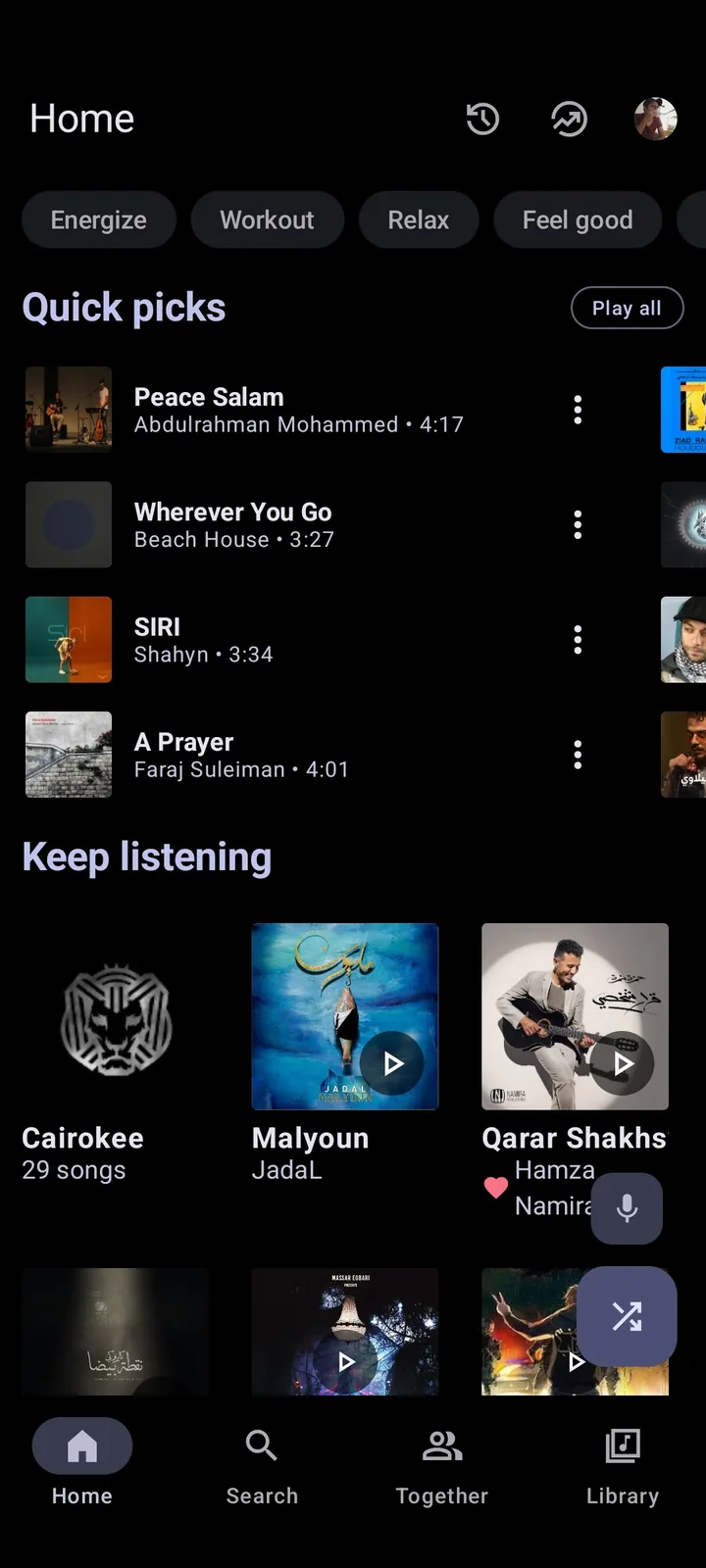
Metrolist for Mac is not a native app today
The official v13.6.3 release, published August 7, 2026, offers three Android packages: the standard APK, a Google Cast build and an Izzy build. The release has no DMG, PKG, universal macOS archive or Mac App Store link. That asset list is the clearest current test of whether a real Metrolist macOS app exists.
A Mac can download an APK as a file, but macOS cannot run that Android package directly. Double-clicking it, changing its extension or moving it into Applications does not convert it into a Mac program. The homepage remains the source for the verified Android download, not a Mac installer.
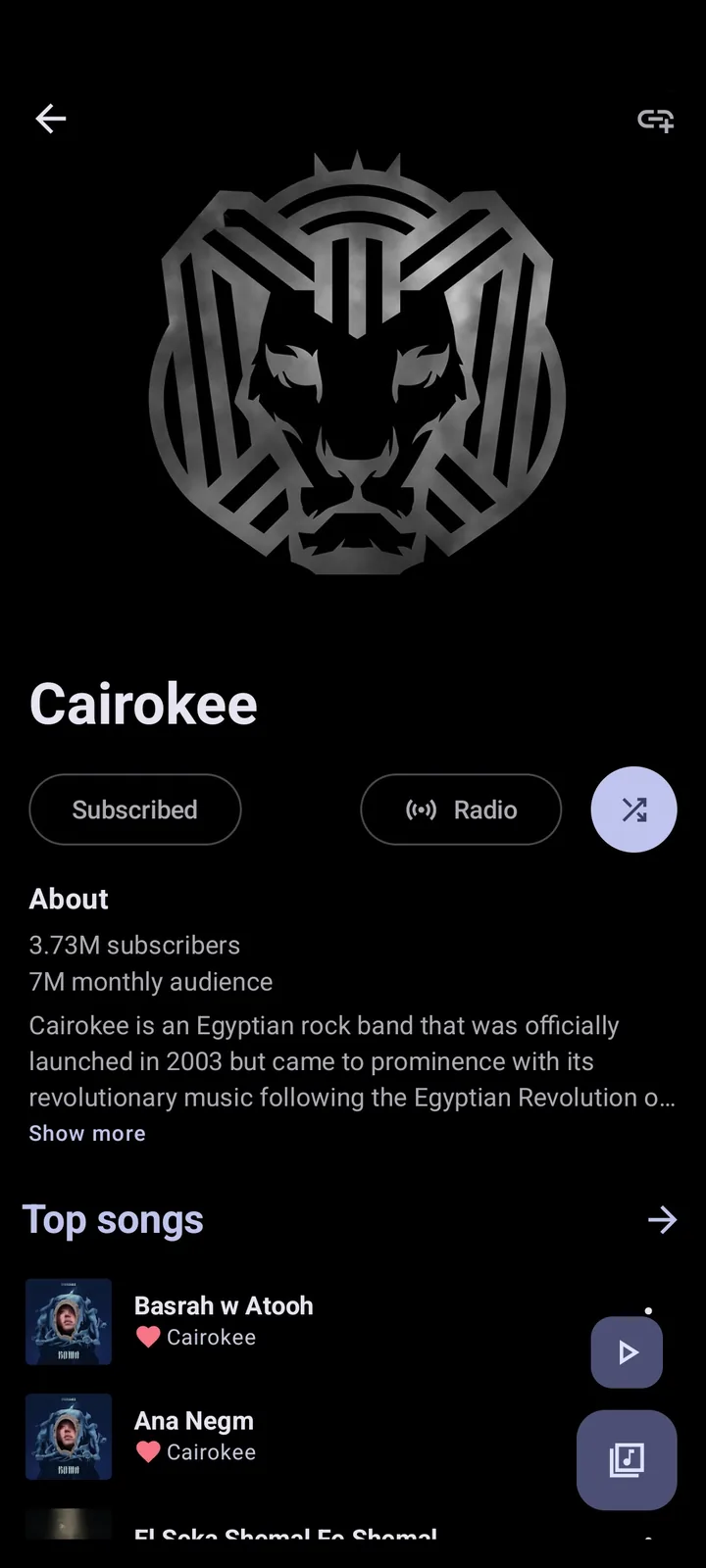
How to verify a future Metrolist macOS release
Start with the official MetrolistGroup repository and open Releases. A genuine Mac build should appear as an asset with a clear platform name, installation format, checksum or release note. The repository owner, tag, publication date and asset list should agree. A third-party page is not proof merely because it copies the project logo.
The v13.6.3 notes say a Kotlin Multiplatform version is being prepared. That is important development context, but multiplatform code does not automatically confirm a public macOS binary. Wait until the maintainers publish an actual desktop asset and instructions before calling it Metrolist for Mac.
- Confirm the owner is MetrolistGroup.
- Open the release tag rather than a copied download page.
- Look for a Mac-specific asset and supported macOS versions.
- Read installation and account notes before signing in.
The best ways to listen on a Mac right now
For reliable everyday listening, use YouTube Music or another supported service in Safari, Chrome or a native desktop client. This gives macOS media keys, normal window behavior and official account support without pretending the Android APK is a Mac app.
Use an Android emulator only when you specifically need to test Metrolist features such as its queue, lyrics, themes or library behavior. If your goal is simply background music on a MacBook, the browser is usually faster, easier to update and less demanding on memory and battery. Compare other choices in Metrolist alternatives.
| Option | Best for | Main limitation |
|---|---|---|
| Browser music service | Daily listening | Not the Metrolist client |
| Android emulator | Feature testing | Extra resources and compatibility work |
| Wait for an official desktop asset | Native-app preference | No verified release date |
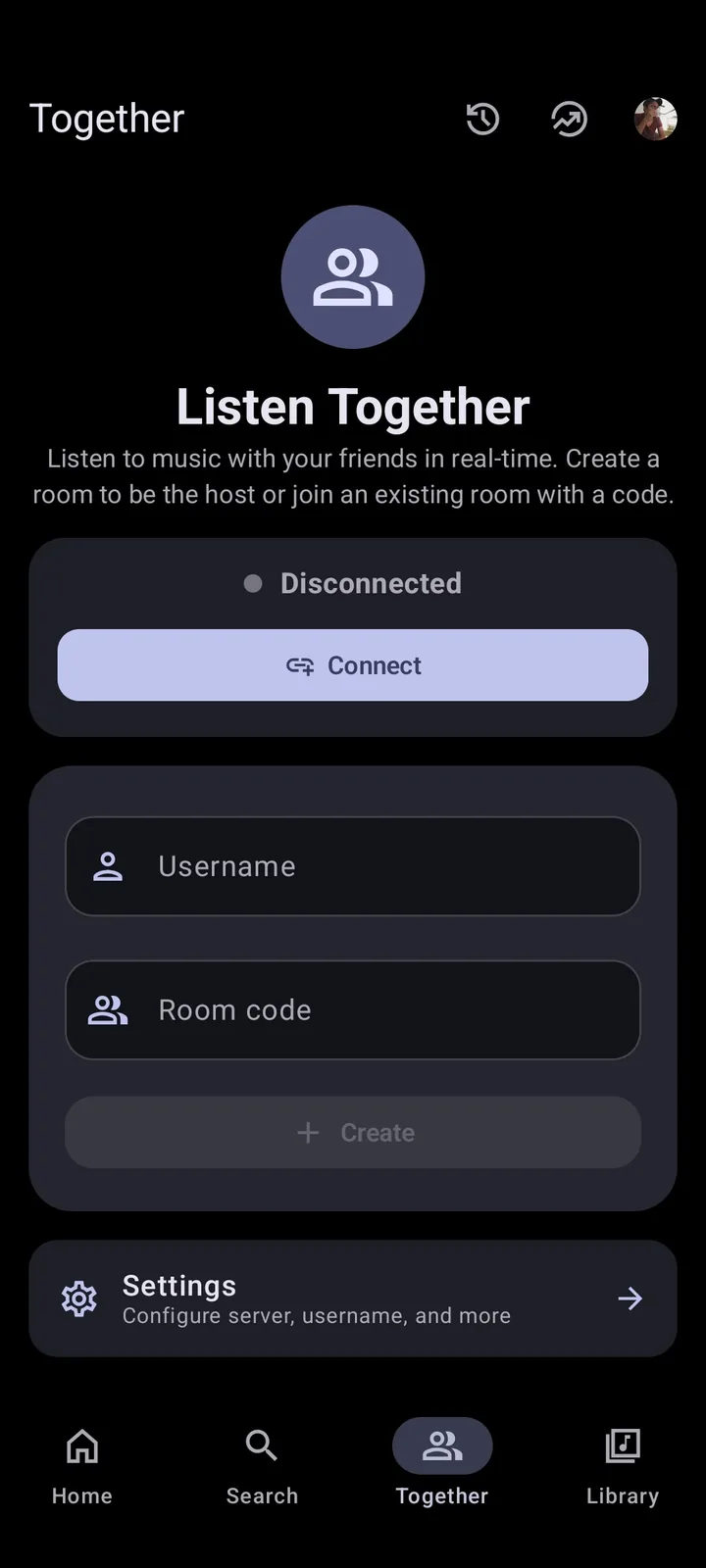
Running the Metrolist APK in an Android emulator
An emulator creates an Android environment inside macOS. Install a reputable emulator from its official site, update it, then obtain Metrolist.apk from the verified GitHub release. Test anonymous playback before adding an account, and keep the emulator isolated from unnecessary files and permissions.
Expect trade-offs: audio focus, media keys, sleep behavior, downloads, notifications, microphone prompts and hardware decoding may differ from a phone. Login or playback can also fail when upstream YouTube behavior changes. Follow the ordered Metrolist troubleshooting guide rather than repeatedly clearing account data.
- Install the emulator from its official source.
- Create a current Android instance.
- Download the standard Metrolist APK from GitHub Releases.
- Test playback, pause/resume, audio output and window sleep.
- Sign in only after the basic test is stable.
Apple Silicon and Intel Macs need separate checks
Apple Silicon Macs use ARM architecture, while older Intel Macs use x86 hardware. Emulator availability and Android image support can differ, so instructions written for one Mac generation may not work on the other. Confirm the emulator supports your processor and current macOS release before downloading a large image.
Even when the emulator opens, Metrolist is still the Android app. Keyboard shortcuts, drag-and-drop, menu-bar controls, system notifications and battery use will not behave like a native Mac application. Keep expectations focused on playback testing, not full desktop integration.
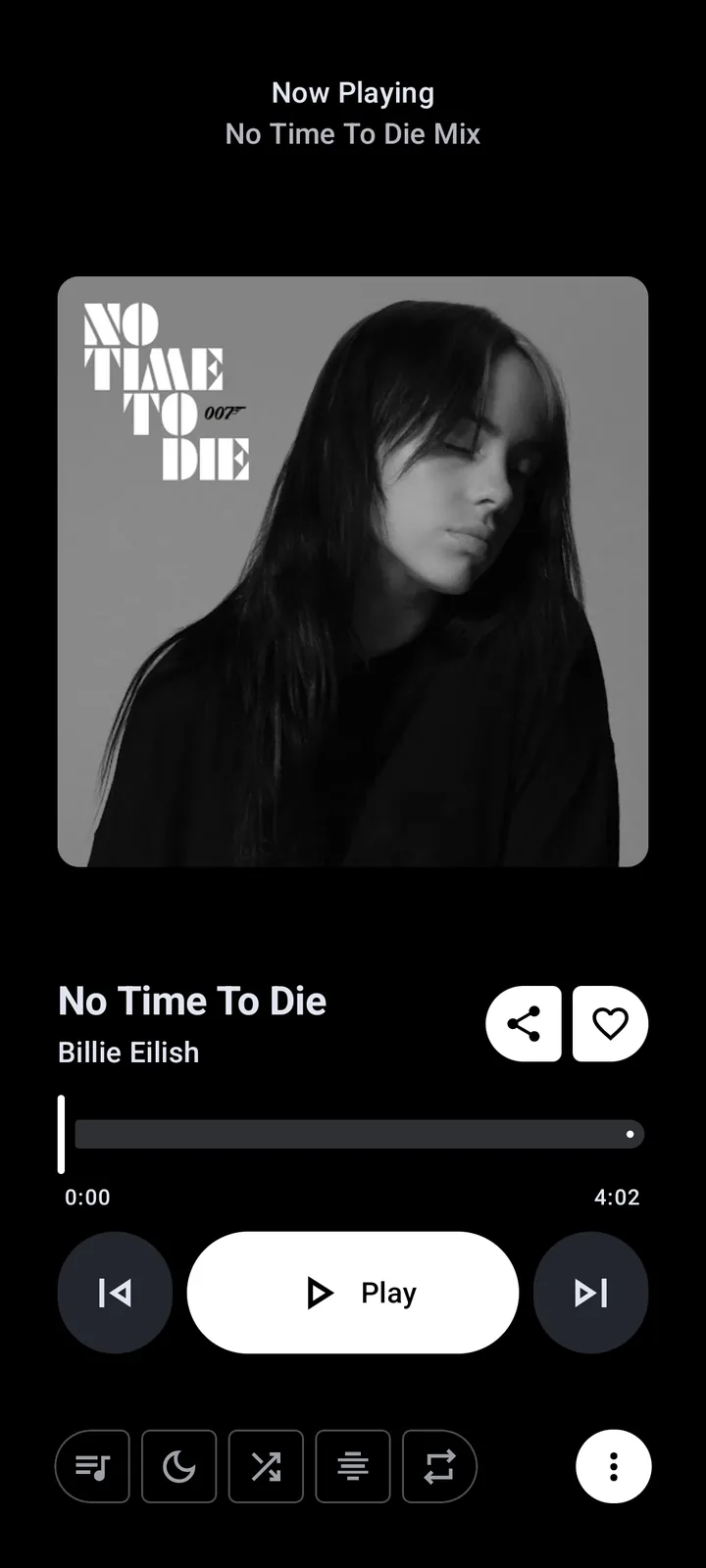
Avoid fake Metrolist Mac downloads
Treat pages offering Metrolist.dmg, Metrolist.pkg, a cracked desktop edition or a required browser extension as unverified unless the official repository links to them. The project is open source, so a “premium unlocked” or Mod edition has no useful reason to exist and adds a supply-chain risk.
Never enter Apple ID, YouTube or Google credentials into an installer. A legitimate Mac app would use documented account flows after installation, not request passwords on a download page. Review the Metrolist safety checklist and verify the release source, filename and platform before opening anything.
- Unexpected DMG or PKG hosted outside GitHub
- Claims of an official Mac version without a release tag
- Password or payment requests before download
- Bundled extensions, profiles or system cleaners
Which Mac option should you choose?
Choose the browser for normal listening, an emulator for short feature tests, and the official release page when monitoring future desktop work. Do not let a broad “Metrolist desktop” label move you away from the existing Windows and PC guide; Windows and macOS require different installation decisions.
Recheck the repository after a new version announcement. If a Mac asset appears, verify its tag, supported macOS versions, processor architecture, file hash and account limitations before replacing your current setup.
Metrolist for Mac FAQ
Can I download Metrolist for Mac?
There is no verified native Mac download as of July 20, 2026. The official v13.6.3 assets are Android APK files.
Can a Mac open Metrolist.apk directly?
No. macOS does not run Android APK packages directly; an Android emulator is required for testing.
Does Metrolist work on an M-series Mac?
It may run inside an ARM-compatible Android emulator, but that is not a native Apple Silicon app and behavior depends on the emulator.
Is the Kotlin Multiplatform version a confirmed Mac release?
No. It signals development work, but a Mac release is confirmed only when the maintainers publish a macOS asset and instructions.
What is the safest alternative on macOS?
Use an officially supported browser or desktop music service for daily listening, and use Metrolist in an emulator only when its Android-specific features are necessary.
How will I know a Metrolist Mac download is official?
It should be linked by the MetrolistGroup repository, attached to a release tag and described with supported macOS versions and installation details.