
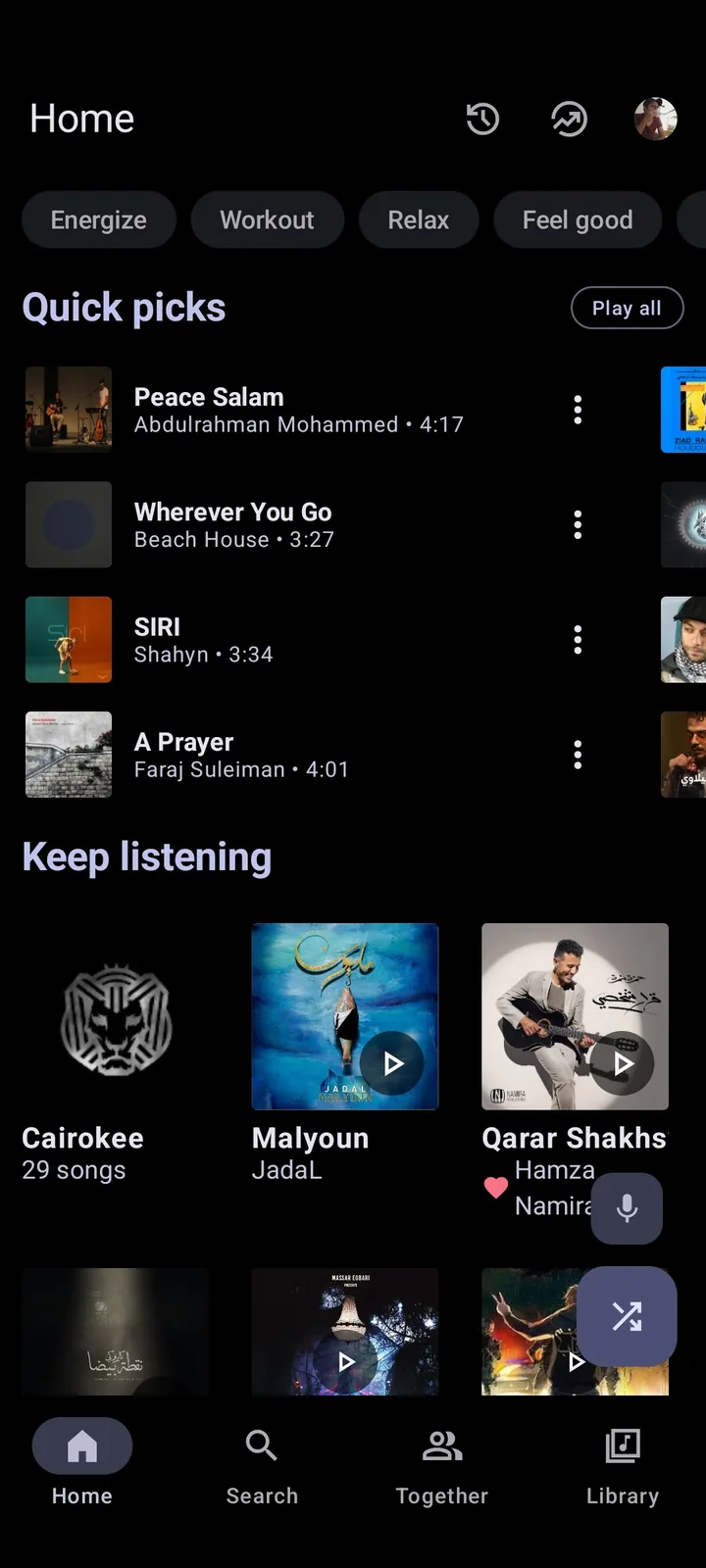
Metrolist Web can mean three different things
The phrase Metrolist Web is ambiguous. Some visitors mean a browser player, others mean the official project website, and others want to run the Android APK on Windows, macOS or ChromeOS. These are separate intents, so a page using the word web is not automatically an official product.
An APK runs inside Android; a website can explain the project without playing music; and an emulator can host Android software without turning it into a native Windows, Mac or browser application.
- Web player: a browser application that streams or controls music directly from a web page.
- Project website: an information page with documentation, source links or release guidance.
- Desktop workaround: an Android runtime, emulator or casting setup used from a computer.
| Search phrase | What the visitor may mean | How to verify it |
|---|---|---|
| Metrolist web player | A browser-based music interface | Look for a first-party web route and documented browser support. |
| Metrolist website | The project's information home | Check whether it links to documentation or an actual player. |
| Metrolist on PC | Running the Android app on a computer | Confirm whether an Android runtime is required. |
| Metrolist online | A third-party page using the name | Check the maintainer, source, login flow and release history before using it. |
Is there an official Metrolist web player?
The current official project materials describe Metrolist as an Android YouTube Music client. They provide Android source code, release assets and documentation, but do not present a separate browser player with its own web login, supported browser list and release channel. A project website is not evidence that the Android client is available online.
If a page claims to be Metrolist Web, inspect its destination before signing in. A supposed player that immediately asks for a Google password, YouTube cookie, raw token or browser-extension permission deserves extra caution because the name and icon can be copied by unrelated download pages.
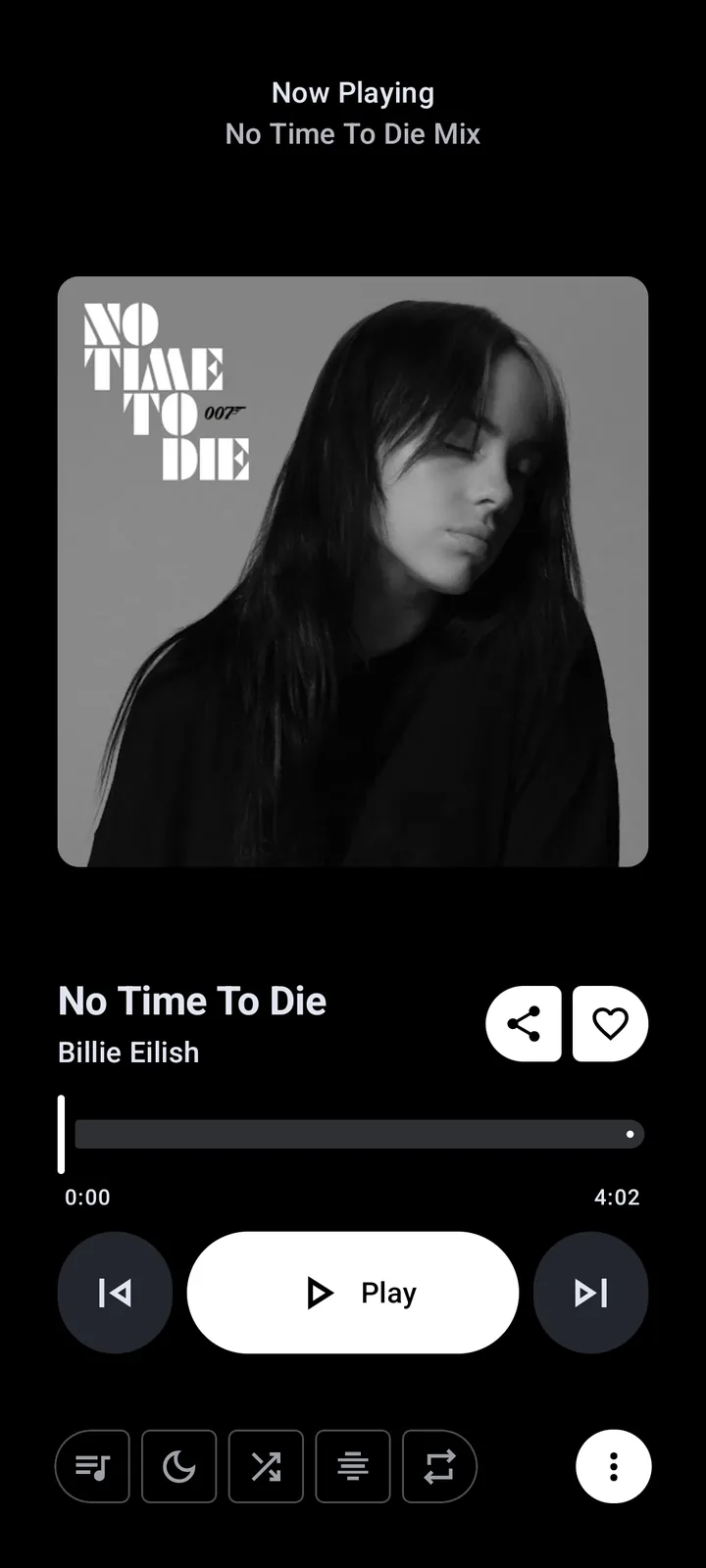
Metrolist website vs Metrolist in a browser
A project website answers questions about source code, release files and how the app is built. It may include screenshots, documentation and GitHub links without streaming music. When the project lists metrolist.cc as its website, treat it as an information reference unless the project separately documents a browser player.
A real web player needs a documented browser workflow, account boundary, supported browsers, session-revocation method and update channel. If a page skips those details and offers only a download button or unofficial token form, it is not strong evidence of official Metrolist Web support.
- Project website: useful for source links, release context and documentation.
- Browser player: requires a documented web session, supported browser path and account-handling policy.
- Third-party wrapper: may add a new maintainer, new permissions and a separate credential risk.
What works on PC, Mac and Chromebook?
A computer can still be part of a Metrolist workflow, but the method changes the experience. Windows and macOS do not install an Android APK as a native EXE or DMG. An Android emulator can provide the missing runtime, while a Chromebook may support Android apps depending on its model, ChromeOS version, architecture and sideloading policy. These options add setup, storage and troubleshooting overhead.
For ordinary desktop listening, a browser service may be simpler than running an emulator. For testing the actual Metrolist interface, an emulator is more faithful because it runs the Android package. For casting, the phone remains the player and the computer or speaker becomes the destination when the relevant service supports that path. Read the dedicated platform guides before downloading a file advertised as a native Metrolist desktop build.
| Platform | Current practical route | What not to assume |
|---|---|---|
| Windows | Use an Android emulator for the real APK, or use a browser service for normal listening. | A file called Metrolist.exe is not automatically an official build. |
| macOS | Use an Android runtime only when the extra setup is worthwhile. | An APK is not a native DMG or PKG application. |
| Chromebook | Check Android app support, architecture and sideloading rules for the device. | Every Chromebook can run every APK without configuration. |
| Phone casting | Keep Metrolist on Android and send audio through a supported casting path. | Casting is not the same as a web version of Metrolist. |
What should you use for browser listening?
Start with the official browser experience for the music service you already use. It provides a known account boundary, documented sign-in path and a way to revoke sessions. It may not reproduce every Metrolist feature, but it does not pretend that an Android APK has become a web application.
If you need Metrolist itself on a larger screen, compare an emulator with a browser service. An emulator is useful for the Android UI or app-only behavior; a browser is simpler for quick listening on a shared computer. Neither route should require handing a raw account token to an unknown wrapper.
Avoid fake web players and token wrappers
The largest risk in a fake Metrolist Web page is the credential flow. A polished page can ask for a Google password, YouTube cookie, exported session or raw token. Stop unless you can identify the maintainer, source code, purpose, storage policy and revocation process; never publish a token in support, Discord, screenshots or issue reports.
A normal browser login should use a recognizable first-party flow with a clear origin and a way to remove access. A third-party wrapper is not automatically official because it mentions Metrolist. If you already entered a secret into an unknown page, revoke the session, change the password when appropriate, remove unfamiliar extensions and review active account sessions.
- Stop when a page asks for a raw token, cookie or password outside a recognizable provider flow.
- Check the final domain, repository owner, source code and release history.
- Remove unfamiliar extensions and revoke sessions after a suspicious login.
- Do not install a Mod APK or browser wrapper just to unlock a claimed web mode.
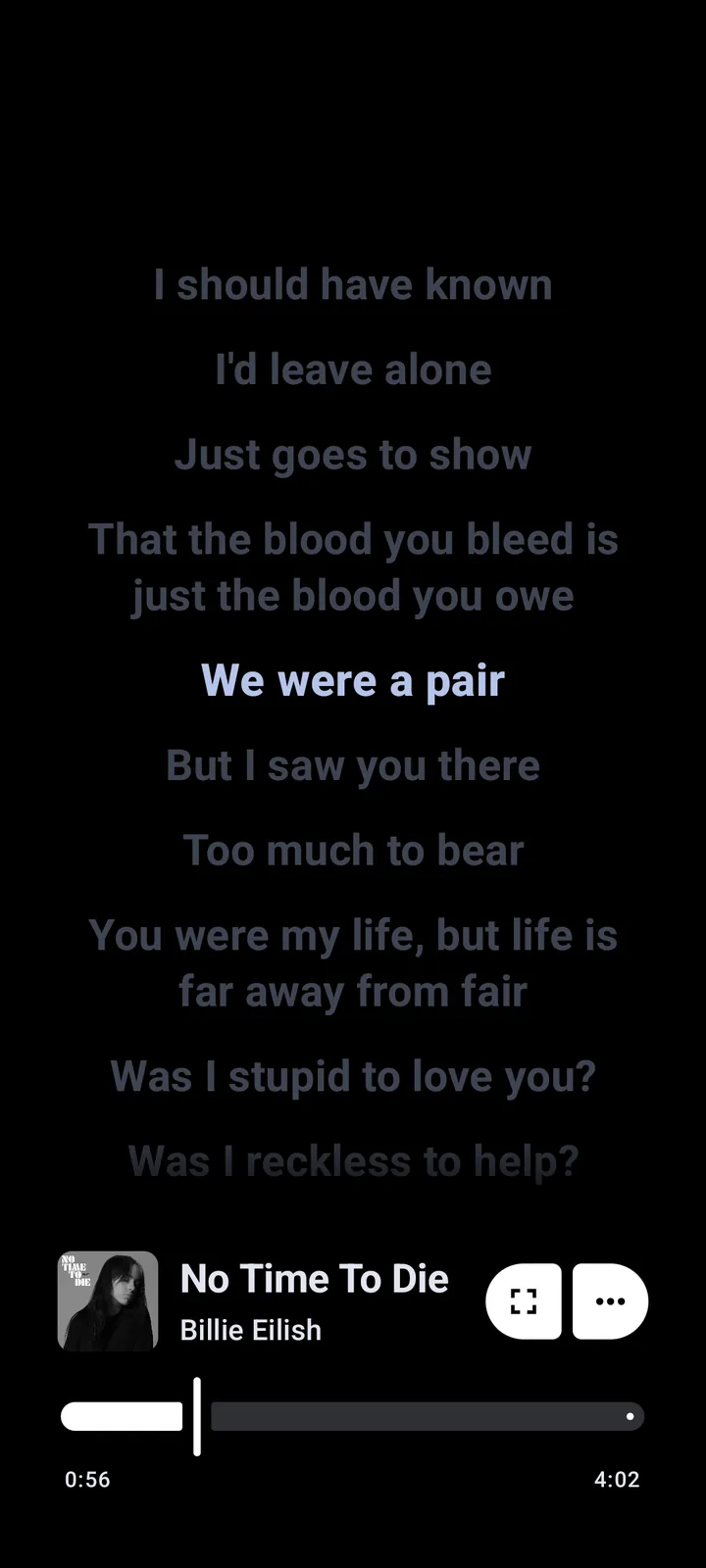
How to verify a Metrolist Web claim
Use a short evidence chain instead of judging a page by its logo. Start with the official organization and repository, confirm that it describes the Android client, and look for a first-party announcement, documented web route and clear account model before accepting a web-player claim.
Then identify what the page actually does: link to GitHub, open a recognized browser service, install an APK or request credentials. A download page is not a web player, and an emulator guide is not a native desktop release. When evidence is incomplete, use the conservative description: official Android client, official project website, no verified browser player listed.
- Open the MetrolistGroup/Metrolist repository or release page and confirm the project identity.
- Check whether the claimed web address is an information site or a documented player route.
- Read the sign-in, token, extension and data-storage explanation before entering anything.
- For a desktop claim, verify whether it is an Android emulator, a browser service or a native package.
- If the source, release path or account flow cannot be verified, leave the page and use a known official service instead.
Could Metrolist get a web version later?
A roadmap, fork, proof of concept or Kotlin Multiplatform experiment does not prove that Metrolist Web is publicly available. A real launch should arrive through a first-party announcement, documented URL, supported account flow and verifiable release process. Until then, Metrolist is an Android client, metrolist.cc is a project website, and browser listening is a separate service.
Metrolist Web FAQ
Is Metrolist Web an official browser player?
No separate official browser player is listed in the project sources checked on September 18, 2026. The project is presented as an Android client, while its website provides information and project links.
Is metrolist.cc the Metrolist Web player?
No. The project lists metrolist.cc as its website, but a project website is not the same as a documented online player. Check for a first-party web release before assuming browser playback exists.
Can I run Metrolist on a Windows PC?
You can test the Android APK through a compatible Android runtime or emulator, but that is not a native Windows release or a Metrolist Web app. For simple listening, a supported browser service may be easier.
Does Metrolist work on iPhone or iPad?
The official package is an Android APK. Do not treat an IPA listing, browser wrapper or similarly named app as an official iOS version without first-party project evidence.
Is there a Metrolist Chrome extension?
A third-party extension is not automatically an official Metrolist component. Check the publisher, source, permissions, account handling and release history before installing any extension.
Why does a Metrolist Web page ask for a token?
It may be an unofficial wrapper or a risky credential-collection page. Do not paste a raw token or cookie into an unverified form. Use a recognized provider login and review sessions if you already shared a secret.
Where can I verify Metrolist platform support?
Start with the MetrolistGroup/Metrolist repository and release documentation, then compare the claim with the independent GitHub, safety and PC guides on this site. Record the date because platform support can change.