
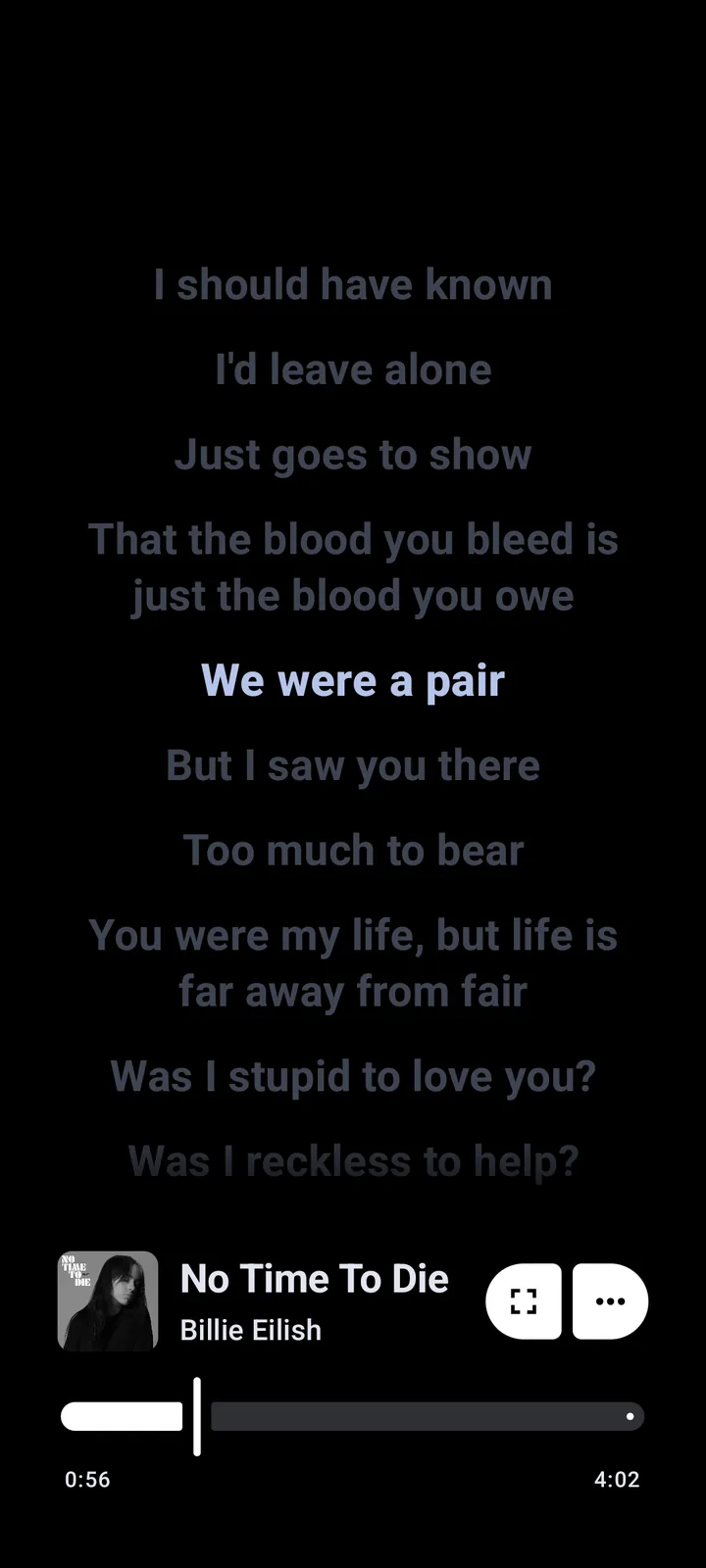
Why Metrolist can play music while lyrics are missing
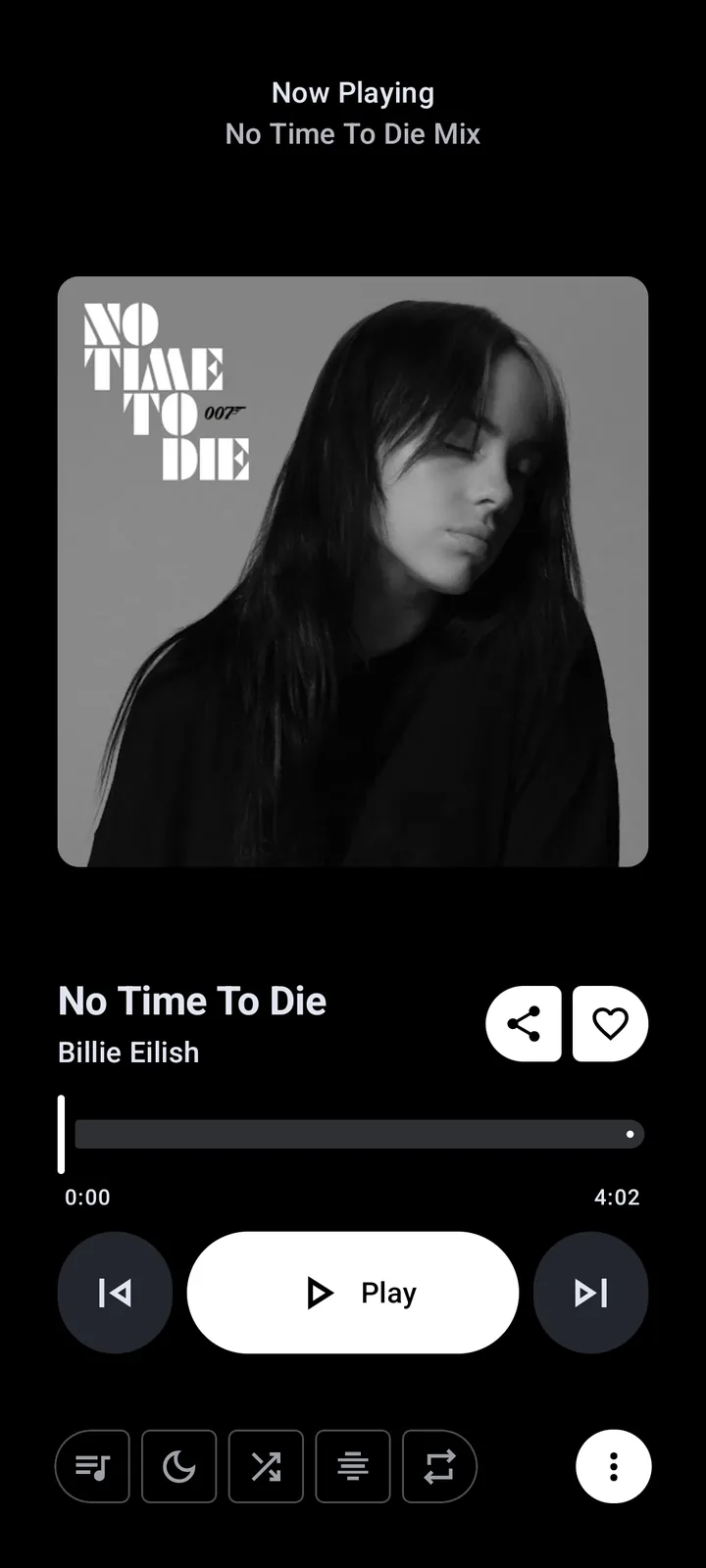
Metrolist first needs a playable media item. Lyrics then need a provider to return a result that matches the track's title, artist, duration or other metadata. A song can therefore play normally while the lyric provider has no entry, returns a different version, or is temporarily unavailable.
The v13.6.3 hotfix is the correct baseline for a lyrics report because the official release notes mention broken lyrics and media-controller fixes. That does not mean every song is guaranteed to have synchronized lyrics: catalog coverage, region, spelling and provider availability still matter.
- Playback works but the lyrics panel is empty.
- Lyrics appear for one version but not a live, remastered or featured version.
- The first lyric lines load but timing or scrolling is wrong.
- A provider reload or online search returns no matching result.
How lyric providers match a song
A lyric lookup is more reliable when the app can identify the same recording that the provider indexed. Title punctuation, featured-artist text, translated titles, remaster years and live labels can all change the lookup key. The phrase “Paxsenix missing on song lyrics provider Metrolist” describes a provider-specific symptom, not proof that the whole player is broken.
Start with a popular track whose title and artist are unambiguous. If that works, compare the failing track's title, artist and version label with the source listing. Keep the original metadata when you submit a report; do not paste account tokens, private playlist links or copyrighted lyric text.
- Play one well-known public track and open its lyrics panel.
- Compare the failing track's title and artist with the YouTube Music listing.
- Remove only obvious punctuation or version-label differences for a controlled search test.
- Record whether the failure affects one track, one artist or every song.
Use search online and reload lyric providers
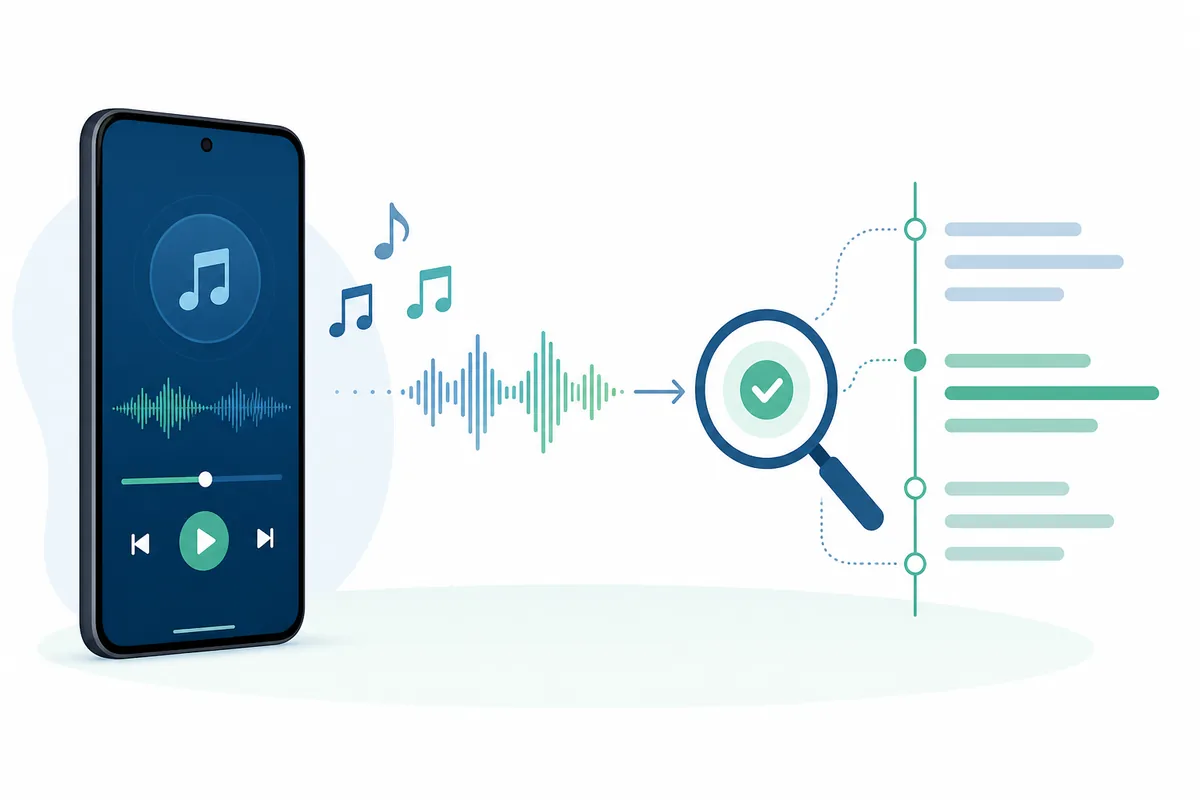
The Similarweb question signal “how does the search online function work in Metrolist” points to a practical help need: visitors want to know whether an empty lyric panel is a local app failure or a failed lookup. If your build exposes an online lyric search or provider reload action, use it after checking the track metadata and after testing a known song.
The exact label can change between builds, so do not treat one menu name as universal. A reload request can refresh provider availability, but it cannot create lyrics that the provider does not have. If the action repeatedly fails on several well-known tracks in v13.6.3, preserve the error text and move to a reproducible report.
- Search for the original song title and artist rather than a translated or shortened title.
- Reload lyric providers once, then close and reopen the lyrics panel.
- Try a second well-known track to separate a catalog gap from a provider outage.
- Avoid clearing storage or reinstalling while you are still collecting evidence.
Fix missing or unsynchronized lyrics without losing data
Lyrics problems rarely justify deleting app data. First separate a provider problem from a device or network problem: test another track, confirm that playback is stable, check the current release, and repeat the lookup on the same account and network. VPNs, private DNS and filtering can affect upstream access, but changing several network settings at once makes the result harder to interpret.
If audio also fails, follow the ordered checks in the Metrolist not working guide. If only lyrics fail, keep the investigation narrow and record the exact title, artist, build variant and provider behavior. Clearing storage can remove local settings or playlists and is not a lyrics-first fix.
- Confirm the installed version is v13.6.3 and note whether it is standard, Cast or Izzy.
- Test one known track and one failing track while audio playback is working.
- Check network filtering or region access with one controlled browser test.
- Reload providers or use online search once when the option exists.
- Back up local playlists before any storage reset or uninstall.
- Report the smallest reproducible case through the official GitHub issue workflow.
| Symptom | Most likely boundary | First action |
|---|---|---|
| Music plays, no lyrics for one song | Metadata or catalog match | Try the original title and another version. |
| No lyrics for many known songs | Provider, release or upstream access | Update, reload once and test the network. |
| Lyrics show but timing is wrong | Provider timing or track version | Compare the recording and preserve the timestamped symptom. |
| Playback and lyrics both fail | Version, region or network | Use the ordered troubleshooting guide before reinstalling. |
What to include in a useful lyrics issue report
A reproducible report helps maintainers distinguish a missing catalog entry from a broken provider integration. Include the app version, build variant, Android version, country or region at a broad level, song title, artist, whether playback works, the exact provider or reload result and the steps that reproduce the problem.
Use the Metrolist GitHub guide to reach the official source and release history. Never include OAuth tokens, cookies, private playlist URLs, personal account screenshots or a full copy of copyrighted lyrics.
- Version: v13.6.3 and the exact APK variant.
- Track: title and artist, without pasting lyric text.
- Result: empty, wrong match, unsynchronized or provider error.
- Scope: one track, one artist, one provider or all tested tracks.
- Evidence: short error text and a repeatable sequence, with sensitive data removed.
Metrolist lyrics FAQ
Why are Metrolist lyrics missing if music plays?
Playback and lyrics can use separate services. Test another track, verify the title and artist metadata, reload providers when available and check the current release before clearing data.
How does the search online function work in Metrolist?
When the current build exposes online lyric search, it lets you search a provider using song metadata. It can find a better match, but it cannot supply lyrics that the provider does not index.
How do I reload lyrics providers in Metrolist?
Use the provider reload action if it appears in your build, then close and reopen the lyrics panel. Menu labels can change, so use the official release and issue history when the action is absent or fails repeatedly.
Did Metrolist v13.6.3 fix broken lyrics?
The official v13.6.3 hotfix notes mention broken lyrics and media-controller fixes. It improves the baseline, but provider coverage and metadata matching can still prevent lyrics for individual tracks.
Should I reinstall Metrolist when lyrics are unavailable?
Usually no. Update first, test another track, verify metadata and provider access, and back up local data before considering storage reset or reinstall.
What is the Paxsenix missing lyrics error?
It is a provider-specific symptom reported for some tracks. Record the current version, track metadata and reproducible provider result, then use the official issue workflow without sharing tokens or copyrighted lyrics.