
What “Metrolist Discord” can mean
The phrase is not one single feature name. Some visitors want Discord Rich Presence, which displays a listening activity or status. Others want a Listen Together session where several people control or hear a shared stream. A third group is looking for a Discord bot, a desktop bridge or a community server. These paths have different permissions, support boundaries and privacy risks.
Use the official Metrolist repository and its release notes to verify what the Android client actually ships. A search result, a forum claim or an APK mirror can describe a fork or a separate integration rather than the current project. The site’s Metrolist GitHub guide explains how to distinguish release assets from source archives and unrelated forks.
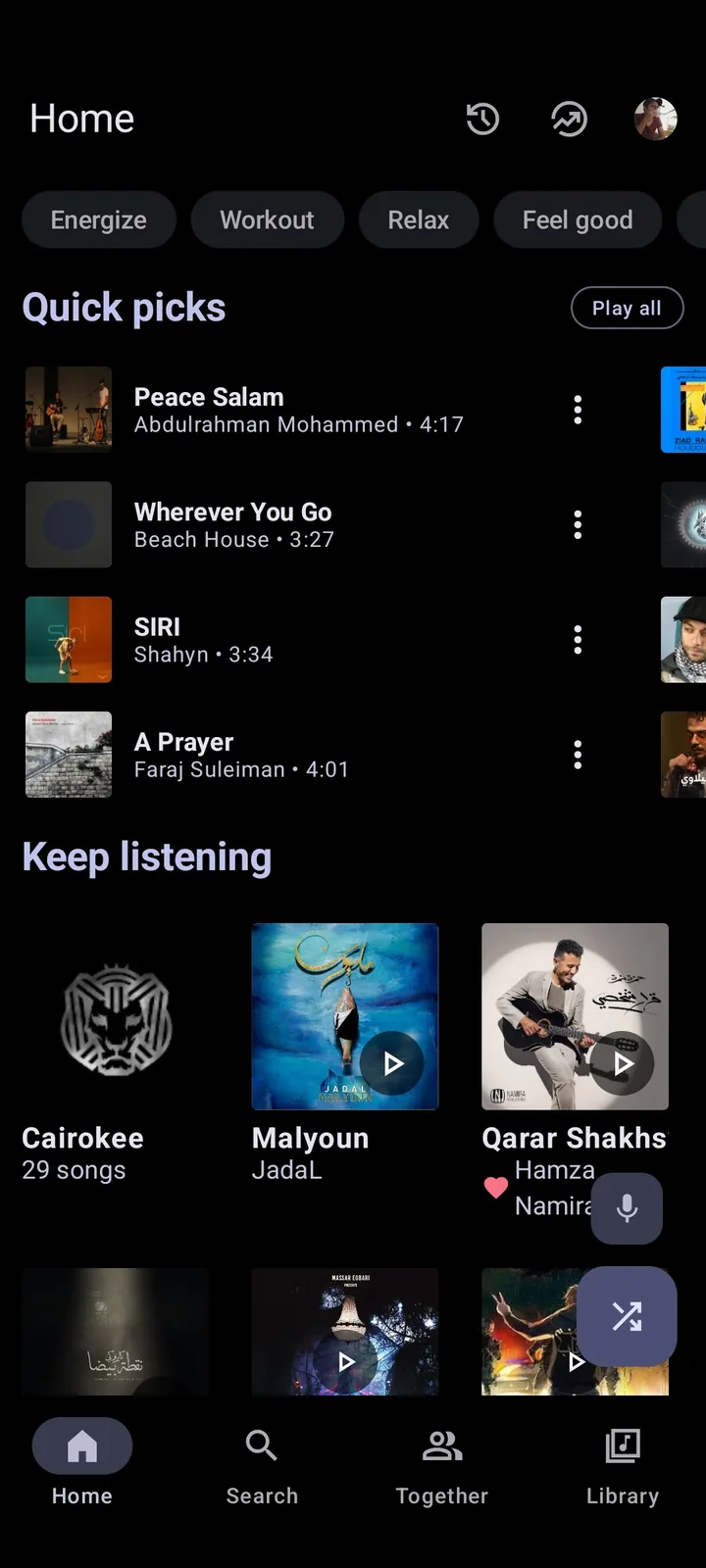
- Rich Presence: show a track, artist or listening state on a Discord profile when the client and Discord path support it.
- Listen Together: coordinate a shared listening session; this may require a supported Discord activity or another service, not just a local player.
- Community integration: a bot, server, bridge or desktop companion with separate permissions and maintainers.
- Search intent: a keyword signal is not proof that the current APK contains a named Discord screen.
Discord Rich Presence: show what you are listening to
Rich Presence is a status-sharing concept, not the same as remote playback. If a supported integration is active, Discord may display an activity while Metrolist plays music. That activity can disappear when Android pauses the app, Discord is restricted in the background, the track metadata is unavailable or the integration is not included in the installed variant.
Treat the status as a best-effort signal. It should not be used as evidence that a friend can hear the same stream, that a song is publicly shareable or that an external service has access to your account. Keep the test limited to a non-sensitive account and a public track.
- Install the standard release from the verified project source and record the exact version and APK variant.
- Start one public track in Metrolist and confirm that local playback remains stable before opening Discord.
- Open Discord on the same device or a trusted companion device and check whether an activity or listening status appears.
- Lock the phone briefly, return to the app and note whether Android battery management removed the status.
- Repeat with one second track; a single missing title is a metadata or integration clue, while every track disappearing points to background or support limits.
Listen Together: what the Android app does and does not prove
A local Android player and a Discord shared activity solve different problems. Metrolist can play the selected media on your device, but that alone does not create a synchronized session, transfer your queue to Discord or grant friends a control channel. A Listen Together result may depend on the Discord activity, the media source, regional availability, account state and whether the integration is still supported.
If your goal is simply to share a recommendation, send a track or playlist link and let each person use a supported player. If your goal is synchronized playback, verify the exact activity or service first. Do not install a “Metrolist Discord mod” just because it promises a one-tap shared room; modified packages are outside the verified release path.
| Goal | What to test | Do not assume |
|---|---|---|
| Show listening status | A public track, Discord activity and background behavior | Friends can hear or control your audio |
| Listen with friends | A supported Discord activity or shared-service session | A local APK automatically synchronizes playback |
| Share a playlist | A link and a catalog match on each device | Every track, remix or region will resolve identically |
| Use a bot or bridge | The bot’s owner, permissions, scopes and privacy policy | The bot is part of Metrolist or an official release |
A safe Android test order
Start with the smallest experiment that can answer your question. The aim is to separate Metrolist playback, Discord visibility and synchronized listening instead of changing all three systems at once. The general Android installation guide covers source verification and updates; this page focuses on the Discord-specific boundary after the app is installed.
Use a public track and a test Discord account when possible. Never paste a YouTube session token, OAuth cookie, password, QR login or private playlist into a bot, bridge or “activation” form. A third-party service can request more access than it needs to display a status.
- Verify the release tag and install source; avoid Mod APKs, repacks and random Discord attachments.
- Play a known track in Metrolist with Discord closed, then note title, artist, playback state and network.
- Open Discord and check only the visible activity/status surface; do not grant a new integration permission yet.
- If status is supported, test one screen lock and one network change to identify Android background limits.
- Only then evaluate a shared activity or community bot, reading its permissions and removing access that is no longer needed.
Fix missing Discord status or activity
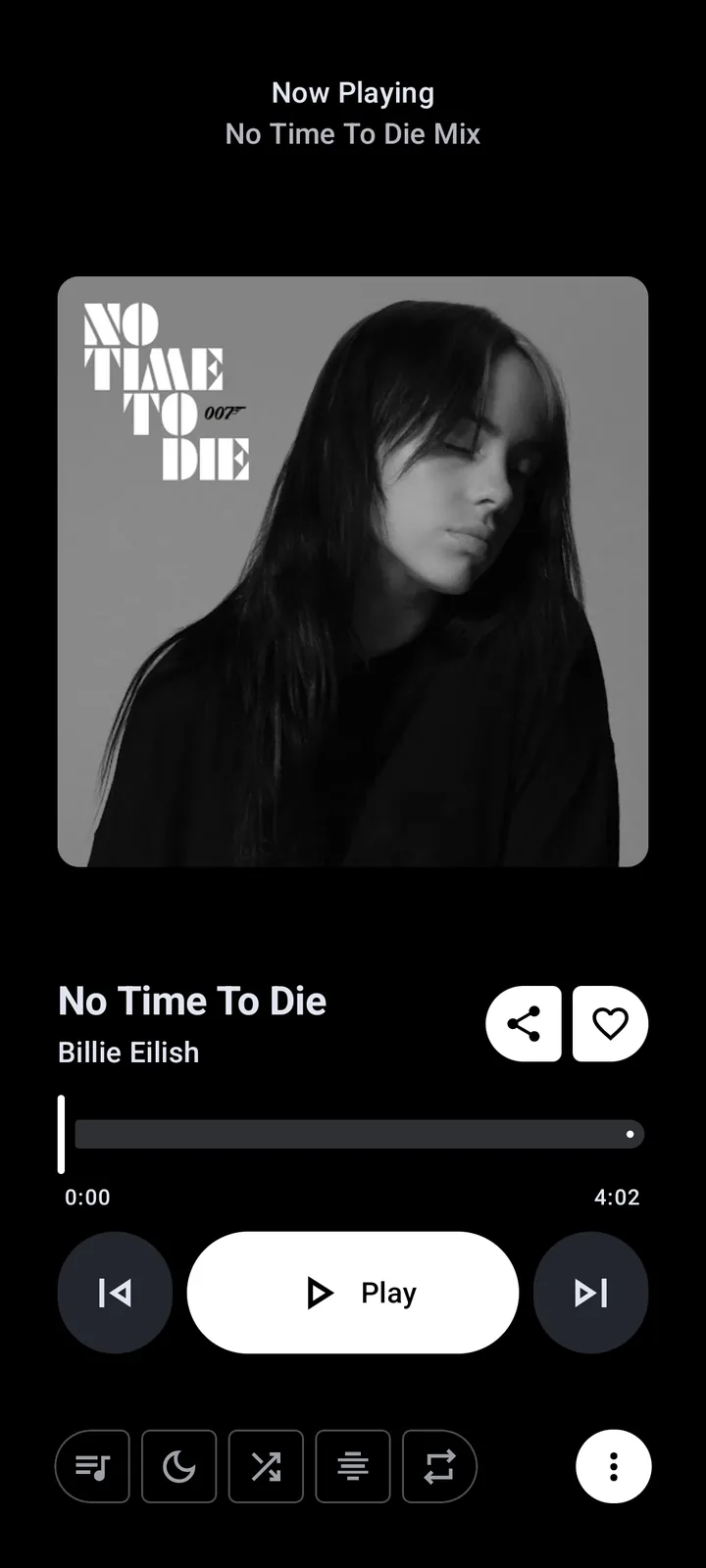
If music plays but Discord shows nothing, first determine whether the problem is expected behavior or a broken integration. Menu names can change between builds, and an Android client may not expose a desktop-style presence API. Check the release notes and the project issue history before assuming a hidden setting exists.
If playback itself is failing, use the ordered Metrolist troubleshooting guide. If playback is stable and only the Discord surface is missing, keep the report narrow: version, variant, Android version, Discord version, track metadata, lock-screen behavior and the exact visible result.
- Update from the verified release before comparing behavior with a much older build.
- Check Android battery optimization, background data and notification permission without clearing app storage.
- Confirm Discord is signed into the intended account and that its own activity settings allow status display.
- Test a second public track and compare title/artist metadata; one missing item can be a catalog mismatch.
- Do not uninstall, clear storage or share tokens while collecting a reproducible case.
| Symptom | Likely boundary | First useful action |
|---|---|---|
| Playback works, no Discord status | Support, background policy or integration | Verify build, Discord settings and lock-screen behavior. |
| Status appears, friends cannot listen | Presence is not synchronized audio | Use a separately supported shared activity. |
| One track has no status | Metadata or provider result | Try a known track and compare title and artist. |
| Both playback and Discord fail | Version, network or account | Follow the non-destructive troubleshooting order first. |
Privacy boundaries for Discord integrations
A status integration should need much less access than a playlist migration or account bridge. Be cautious when a tool asks for YouTube cookies, session tokens, Discord QR codes, password input, broad server permissions or a copy of private playlists. Those requests are not required simply to explain whether a track is playing.
The Metrolist safety guide explains why open source and a versioned release improve auditability but do not make every extension or mirror safe. Keep the official Android APK, Discord app and any community automation as separate trust decisions.
- Prefer a visible link or activity over a service that requests account credentials.
- Review Discord OAuth scopes and remove unused connections after testing.
- Do not send private playlist URLs, cookies, tokens or full screenshots with account data to an issue or chat.
- Treat Mod APK, cracked, premium-unlocked and “instant RPC” claims as unverified until proven from a first-party source.
How to report a reproducible Metrolist Discord issue
A useful report says exactly where the expected behavior ends. “Discord does not work” is too broad; “v13.6.3 standard APK plays a public track, Discord is open on Android 14, status is absent after an unlock, and a second track behaves the same” gives maintainers a boundary to investigate.
Use the official Metrolist issue tracker only after checking that the behavior is reproducible and that no sensitive account data is included. The project’s GitHub guide helps confirm the repository and release path.
- Record version, APK variant, Android version, Discord version and broad region if it affects availability.
- Describe one public track, whether audio plays, whether the phone was locked and what Discord visibly showed.
- State whether the issue affects one song, every song, one account or one device.
- Attach only short, redacted error text; remove tokens, QR codes, cookies, private links and copyrighted lyrics.
- Do not claim that a third-party bot or mirror is official unless the project explicitly documents it.
Metrolist Discord FAQ
Does Metrolist have Discord Rich Presence?
The exact support depends on the current build and integration path. Verify the release notes and test playback separately from Discord status; do not treat a forum claim or a Mod APK as proof of an official feature.
Can I listen to music together in Discord with Metrolist?
A local Metrolist player does not automatically create synchronized Discord audio. You need a currently supported Discord activity or shared service, and each component has its own availability and privacy limits.
Why does Metrolist play music but Discord show no status?
Possible causes include unsupported presence behavior, Android background limits, Discord activity settings, missing metadata or an integration that is not included in the installed variant. Test a second public track and check the current release before clearing data.
Do I need a Metrolist Discord bot?
Not for ordinary playback or for checking whether a status is visible. A bot is a separate third-party service with its own owner, permissions and privacy policy; never give it account tokens just to display a track.
Is a Metrolist Discord Mod APK official?
No official status should be inferred from the word Mod. Use the MetrolistGroup release path for Android files and treat modified packages, cracked builds and random Discord attachments as unverified.
What should I include in a Discord integration issue report?
Include the version, APK variant, Android and Discord versions, a public test track, playback result, lock-screen behavior and the exact visible status result. Remove passwords, tokens, cookies, QR codes, private playlist links and copyrighted lyric text.