
Is there an official Metrolist Mod APK?
No. The project publishes normal assets through GitHub Releases. The v13.6.3 release lists Metrolist.apk, Metrolist-izzy.apk and Metrolist-with-Google-Cast.apk; it does not list a mod, premium, unlocked or cracked edition.
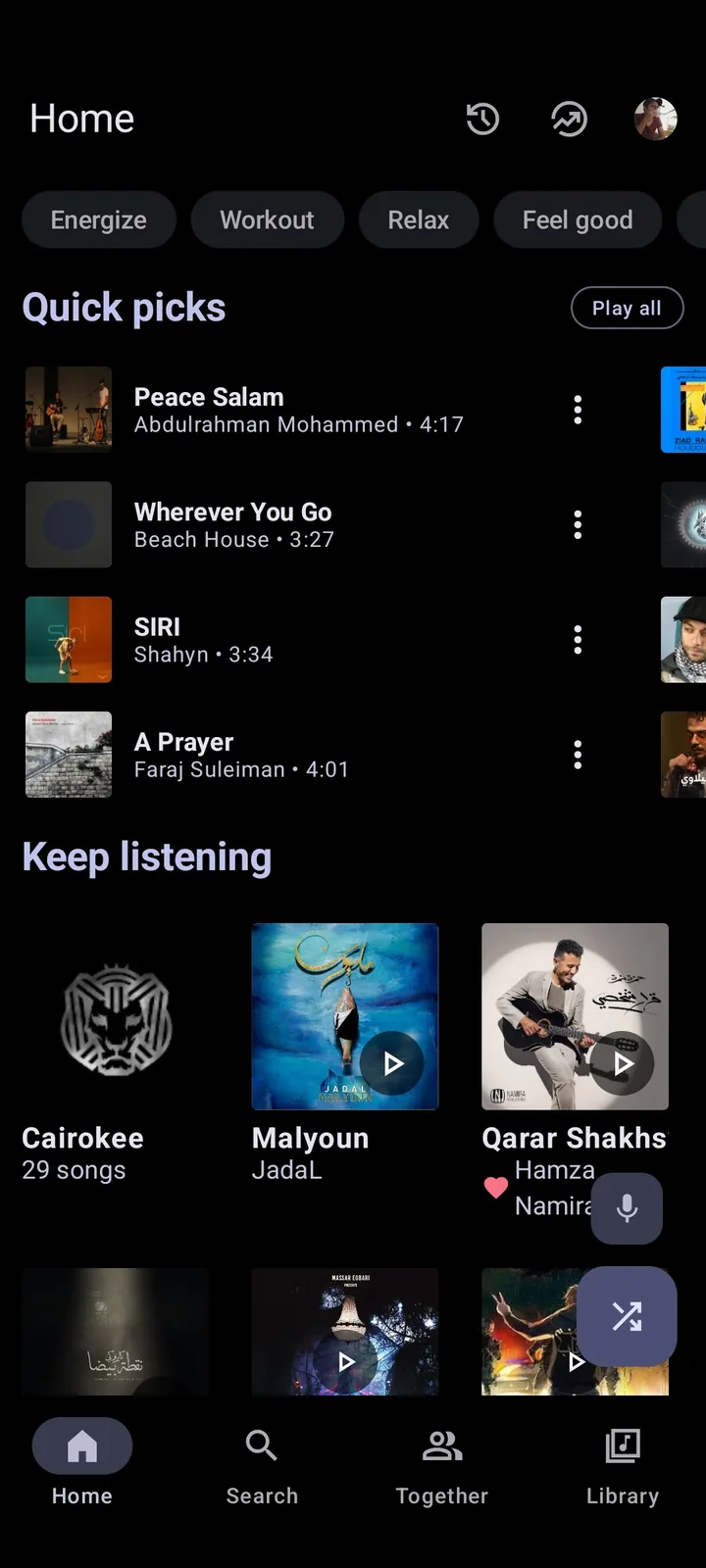
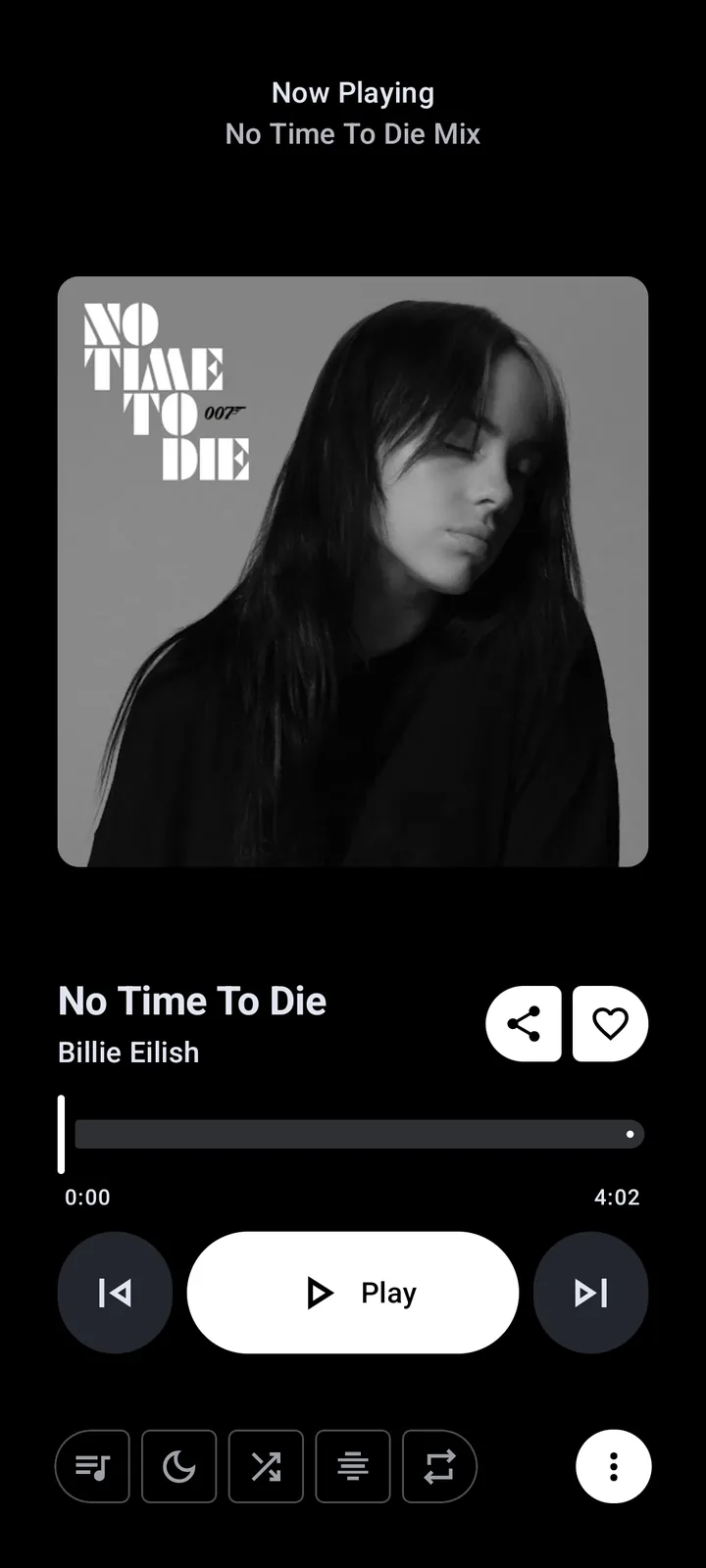
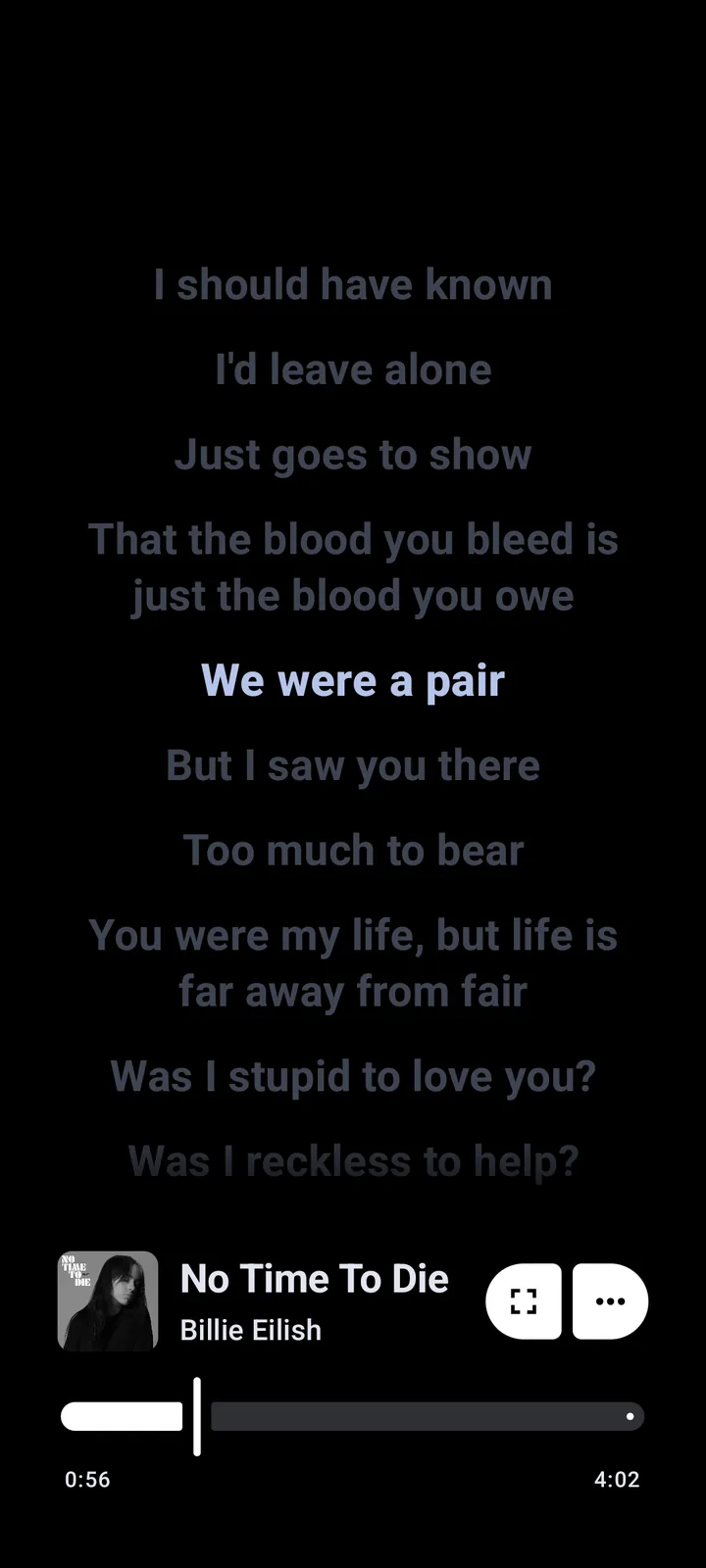
Metrolist already offers background playback, offline caching, lyrics and themes. A third-party site can rename an APK or reuse screenshots, so “premium unlocked” is unverified marketing rather than proof of a feature.
What third-party mod APK listings usually claim
Common listings promise no ads, premium features, unlimited downloads or a newer version. Those claims are weak because the official app is already ad-free and has no official premium subscription to unlock.
The meaningful question is whether the APK can be tied to the repository, a real release tag, a stable asset name and a consistent Android signing identity.
| Claim | Official project | Decision |
|---|---|---|
| Premium unlocked | No official premium tier | Misleading |
| Ad-free mod | Official app is ad-free | No benefit |
| Latest version | Must match GitHub tag | Verify |
| Safe/scanned | Badge does not prove origin | Check source and signer |
Use the verified v13.6.3 release variants instead
Checked July 23, 2026, the latest official version is v13.6.3, published July 17. The standard Metrolist.apk is 24,146,395 bytes and its stable GitHub URL responds as an Android package.
Choose standard, Izzy or Google Cast for the feature you need. The Metrolist GitHub guide explains the filenames.
How to check a Metrolist APK before installation
Open the repository, follow Releases, confirm the tag and compare the asset list. A copied filename is not enough; compare host, byte size and published digest. Keep the stable GitHub URL rather than an expiring CDN address.
The expected package is com.metrolist.music. If Android says signatures differ, stop. A signer mismatch can mean a different distribution key or a repackaged app.
- Source is github.com/MetrolistGroup/Metrolist.
- Tag is v13.6.3 or a later version you verify.
- Filename appears in the official asset list.
- Package is com.metrolist.music.
- No unexpected SMS, accessibility or device-admin permissions.
- Back up playlists before replacing an installation.
Replace an untrusted mod APK safely
If the file is not installed, delete it. If it is installed, disconnect sensitive accounts, save needed local data and record its version, package and permissions.
Uninstalling may remove data. Restart Android, review device security alerts and install the verified build. Change a password if you entered it in a suspicious app.
- Stop using the unverified app and revoke unusual permissions.
- Back up exportable playlists and settings.
- Uninstall the questionable package and restart Android.
- Download v13.6.3 from GitHub or this site.
- Confirm package and signing continuity before reconnecting accounts.
What this verification can and cannot prove
Open source and a correct release URL improve transparency but do not promise zero risk. This guide verifies source, release metadata and destination; it does not claim an independent malware-lab result.
Read Is Metrolist Safe? for permissions and privacy. If the official build fails, use the troubleshooting guide instead of a random mod.
Metrolist Mod APK FAQ
Is there an official Metrolist Mod APK?
No. Official releases are standard, Izzy and Google Cast assets on MetrolistGroup GitHub.
Does Metrolist need a premium-unlocked APK?
No. The official app is already free, open source and ad-free.
What is the official package name?
The expected package is com.metrolist.music, but the name alone does not prove the signer.
Can a mod update the official app?
It may fail when signatures differ. Do not bypass that warning.
What if I installed a suspicious APK?
Revoke permissions, protect accounts, uninstall, restart and install a verified release.
Where should I download Metrolist?
Use MetrolistGroup GitHub Releases or this site’s chooser, which links to official assets.